
Pauta
The adl desktop apps guidelines. UI, UX and platform rules for the family of JavaFX desktop apps, with Editora as the reference implementation; every rule names the class or file to copy from.
Version 1.2.0 · 2026-11-06
Where to start
Section titled “Where to start”PrinciplesThe thirteen rules every other page follows from.
New app checklistEverything a new app needs before its first release.
Feature matrixWhich of the six apps has which piece today.
Gaps per appWhat each app still misses against this guide.
What’s new
Section titled “What’s new”Added
- Menus, a new Experience page. The menu bar and right-click menus share one look: Inter 14 px rows of 34 px, a
22 px icon column with the command’s own glyph, the chord right-aligned in its own column at 11 px in the keyboard
colour, radius 8 and a shadow that falls below the card. Right-click menus MUST open one at a time, close on a press
anywhere outside them (including inside the control they were opened on, which JavaFX’s auto-hide exempts), close on
Escape and open from the Menu key at the selected row. Two annotated mockups, a spec table and the behaviour, all
from Editora’s
MainMenuBar,ContextMenuDismissal,RowContextMenuandLazyContextMenu. The checklist gains a Menus group and the feature matrix three menu rows. - What’s new, and a Changelog page. The overview shows the current edition’s changes; the Changelog page lists
every edition under its own anchor. Both are rendered from
CHANGELOG.md, so there is nothing to keep in step. - Five more principles, from what the apps already do: speed comes first; never claim what is not true; one source of truth for each fact; separate the decision from the UI, then test it; verify by driving the real app. The principles are now thirteen, in two groups: for the people using the apps and for the people building them. Code quality gates and the checklist follow.
- Four rules where they belong. Settings: Before adding a setting (one right answer is not a setting; Modula’s
car-radio test), never trust a config file (clamp on read,
.corrupt.bak), and Secrets stay out of files (the OS keychain or session-only, no UI for dangerous escape hatches). Window shell: a destructive action asks first, its button names the action, and undo beats a question. - Principle 3: the UI never waits, and a Performance page behind it: keep the JavaFX application thread free (with the generation-guarded background shape every Editora service uses), coalesce hot-path work, bound memory, build only the first frame before it paints, and measure. The checklist gains a Performance group.
- A name and a mark: Pauta. Spanish for a guideline, and for the ruled lines on writing paper. The mark (three
periwinkle rules and a teal tick on the family’s Ink tile) is the favicon and the site logo; a 1280 × 640 card
serves shared links. The README, the PDF and the footer carry the name. Sources and how to re-render them are in
branding/. - Start from the template. The New app checklist and Repository documents link to adl-desktop-app-template, a GitHub template repository that meets every MUST: a runnable app with its tests, CI and release workflows, and an example of every repository document.
Changed
- Every content change is an edition. A change to a page bumps the version and gets its changelog section in the
same commit;
AGENTS.mdsays so and how. - The New app checklist can be ticked. Ticks are kept in the reader’s browser, a line above the groups counts them, and Clear ticks resets them.
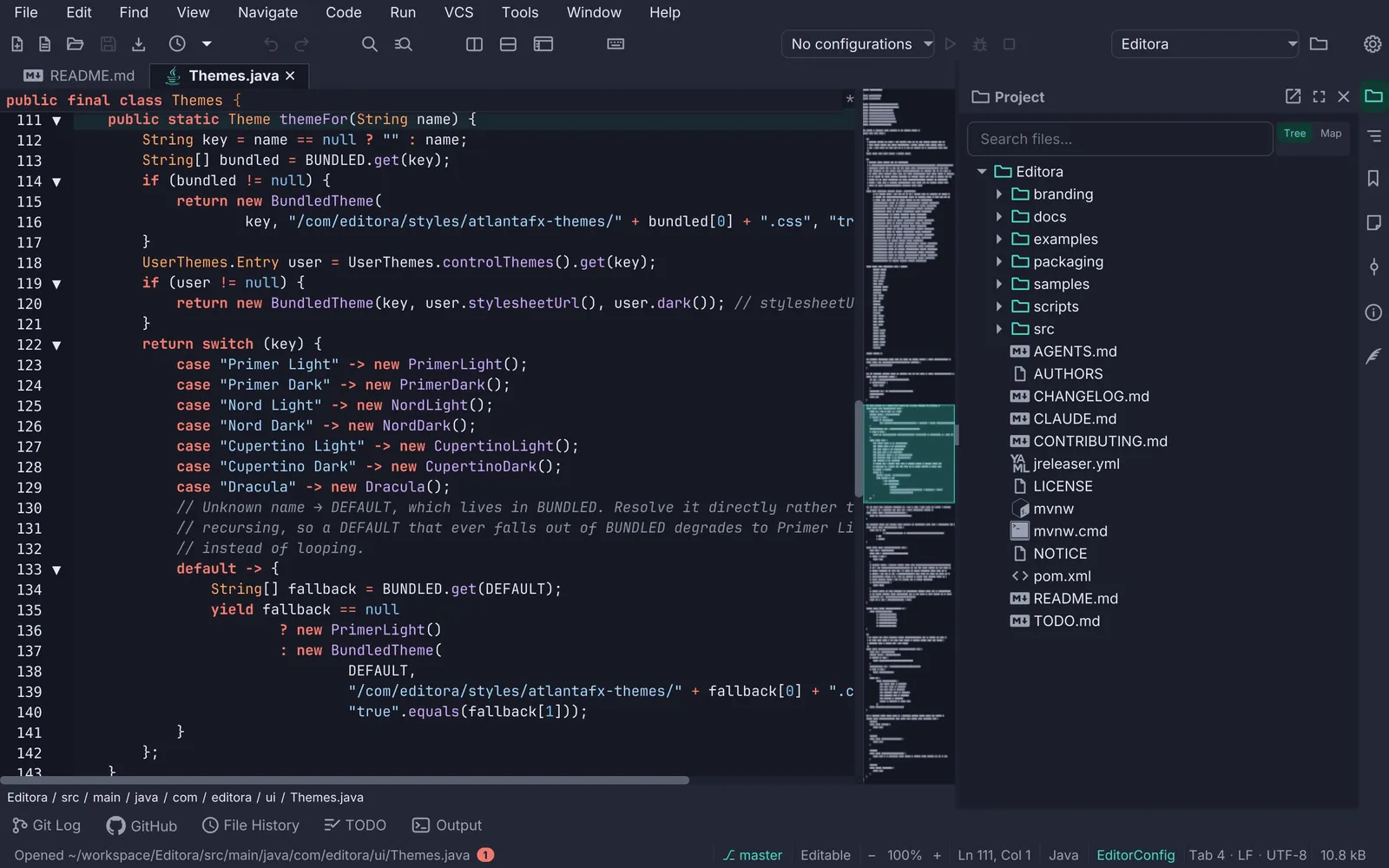
- Principles opens with Editora’s keymap picker instead of repeating the overview’s screenshot.
- The “not found” dot is easier to see, in dark mode especially: an outline in the muted text colour.
- The README links the new app template and describes the dot and pill conventions as they now work.
- Levels read the same everywhere. MUST, SHOULD and MAY render as the level pill in prose and lists too (“MUST.”, “(SHOULD)”), not only in table cells; on the site and in the PDF.
- Rule tables stack on a phone. A table with a Level column turns each row into a card with its level and Editora reference visible, instead of scrolling them off screen.
- The feature matrix keeps its app row in view while a long table scrolls (wide screens).
- Screenshot galleries leave no gap. Galleries are two to a row; with an odd count the first screenshot spans the row.
- The overview is reorganised. The Editora screenshot sits beside the title, with the edition under the actions (side by side from 64rem, so the three actions stay on one row; stacked below that); Where to start and How to read it come before the family, which is now six even tiles with Editora marked as the reference.
Fixed
- The feature matrix no longer widens the page on a phone. Each matrix scrolls inside its own box, so the header’s search and menu stay on screen.
- A ”—” outside the feature matrix stays a dash. Only matrix cells become status dots; the Homepage column of “What the apps are” no longer shows a “No” dot for apps without a homepage. The print build does the same.
- Template mockups fit the column. Where a mockup is wider than the text column (Settings Sync and the Command Palette at laptop widths), it is scaled down to fit and says by how much, instead of being clipped.
How to read it
Section titled “How to read it”MUST A release blocker for a new app.
SHOULD Expected unless the app has a stated reason.
MAY A pattern worth copying when the app grows into it.
When this guide and Editora disagree, check Editora’s code, then fix whichever is wrong.
The family
Section titled “The family”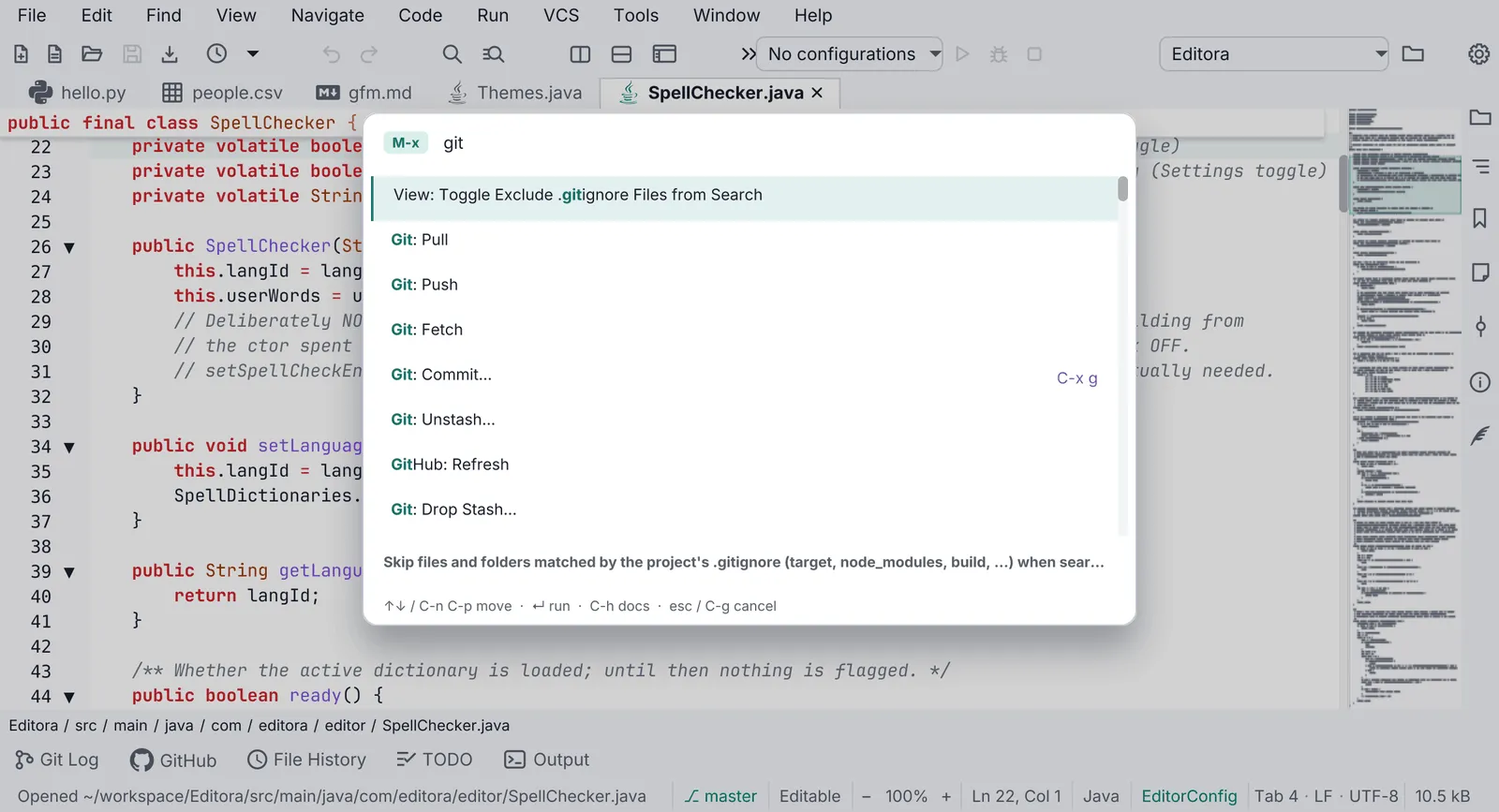
 EditoraREFERENCE Keyboard-driven programmer’s text editor. The reference implementation.editora-project.dev · GitHub
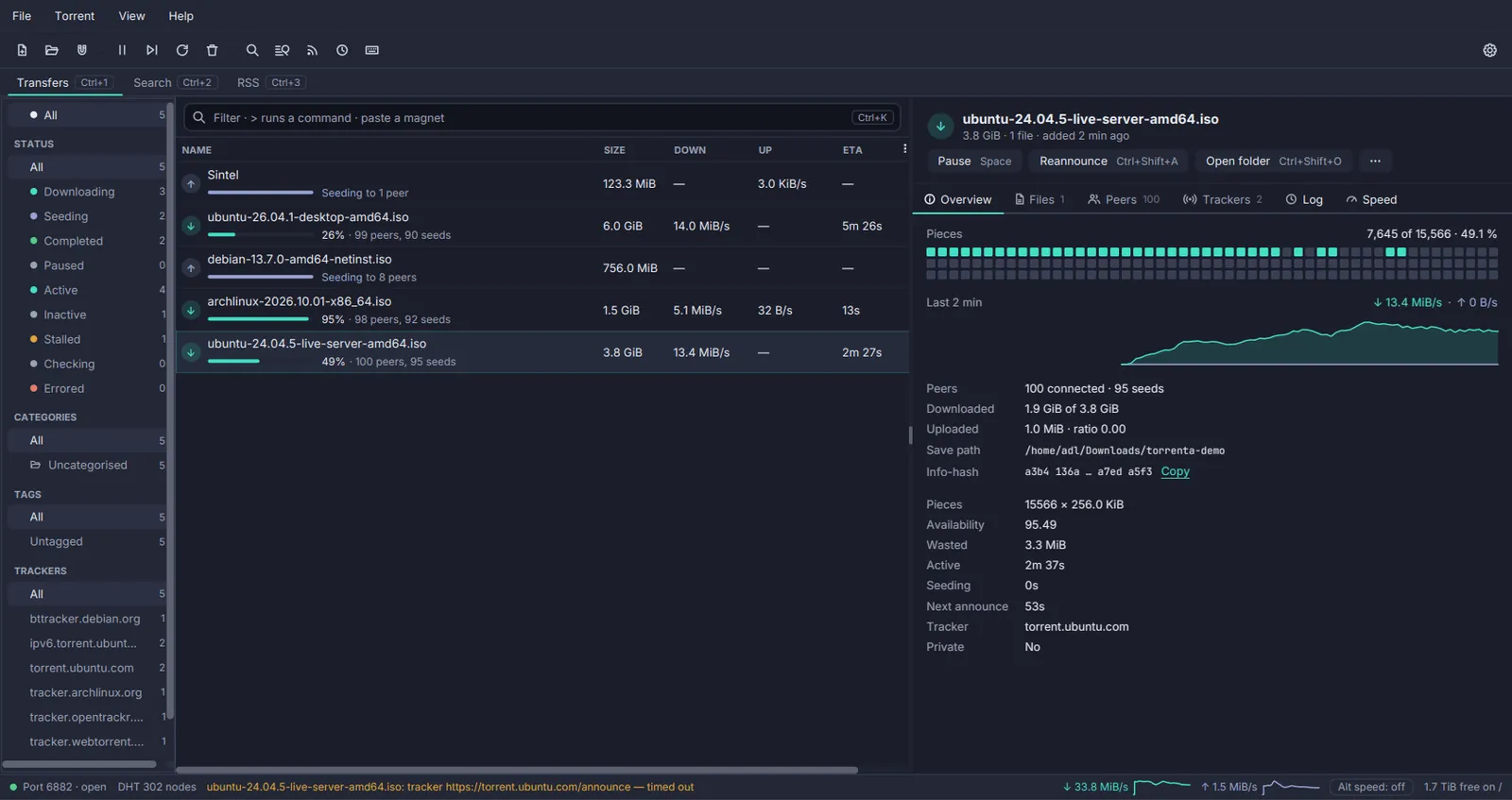
 Torrenta BitTorrent client with a tray icon and a web API.torrenta-project.dev · GitHub
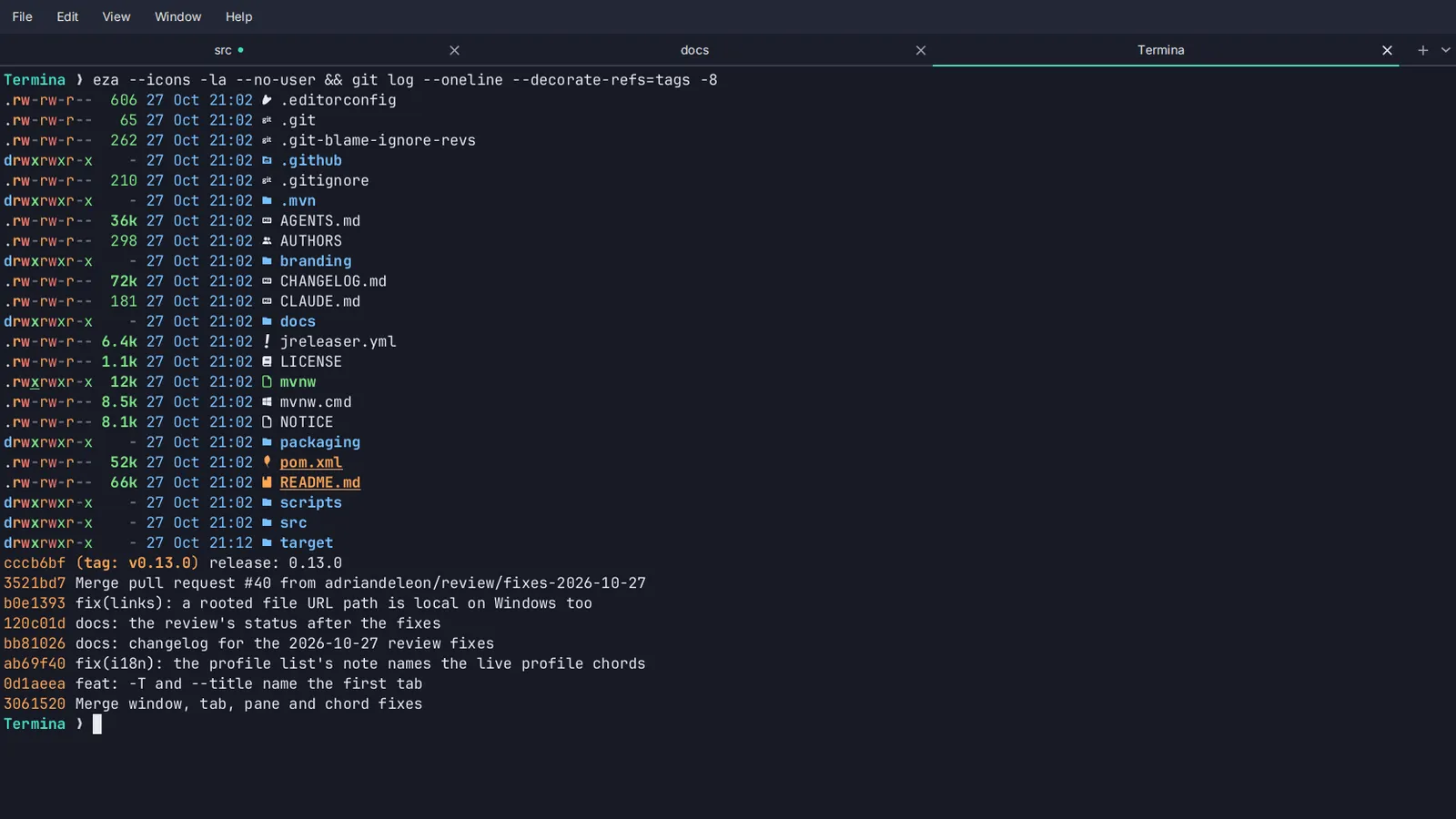
 Termina Terminal emulator with tabs and imported colour schemes.termina-project.dev · GitHub
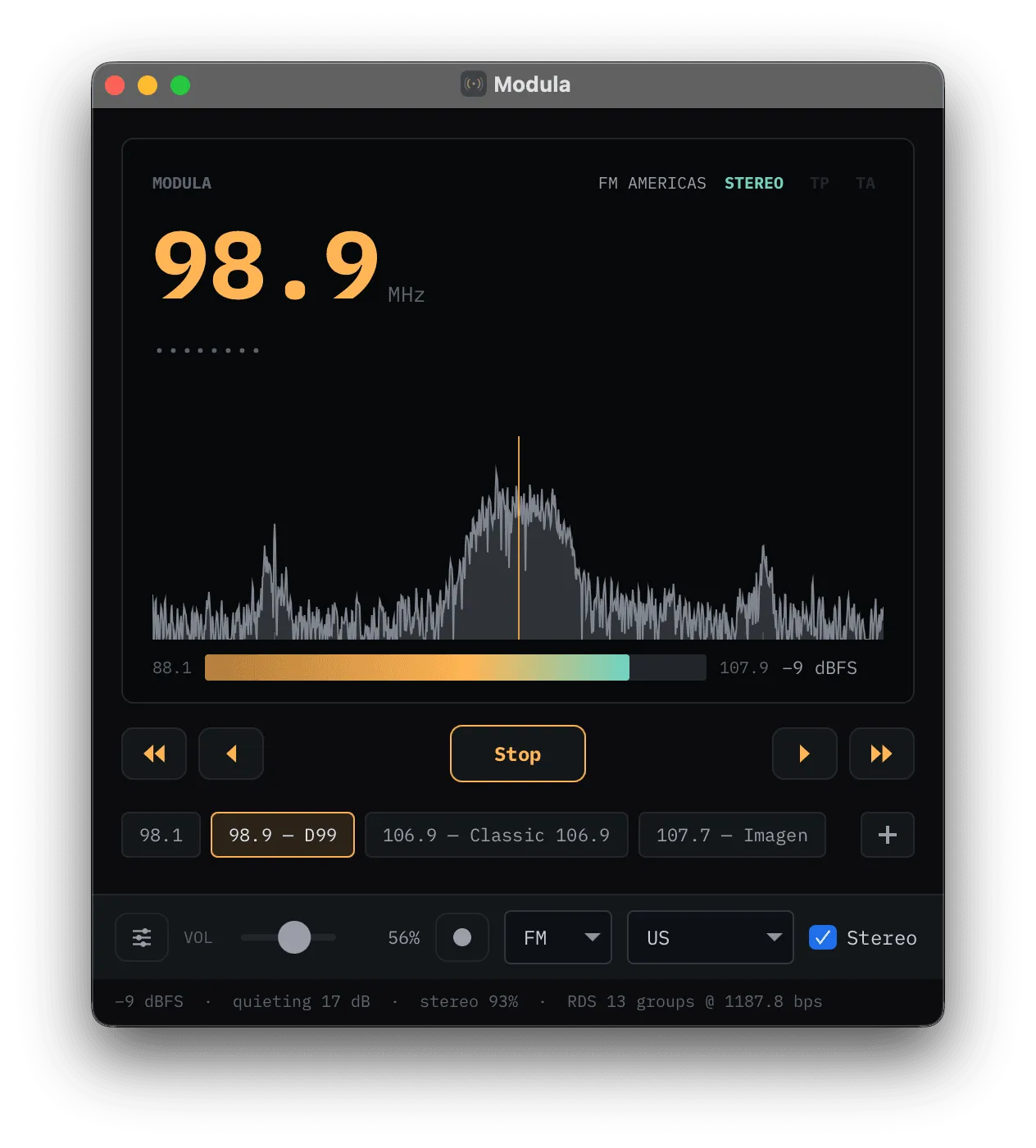
 Modula Software-defined-radio receiver.GitHub
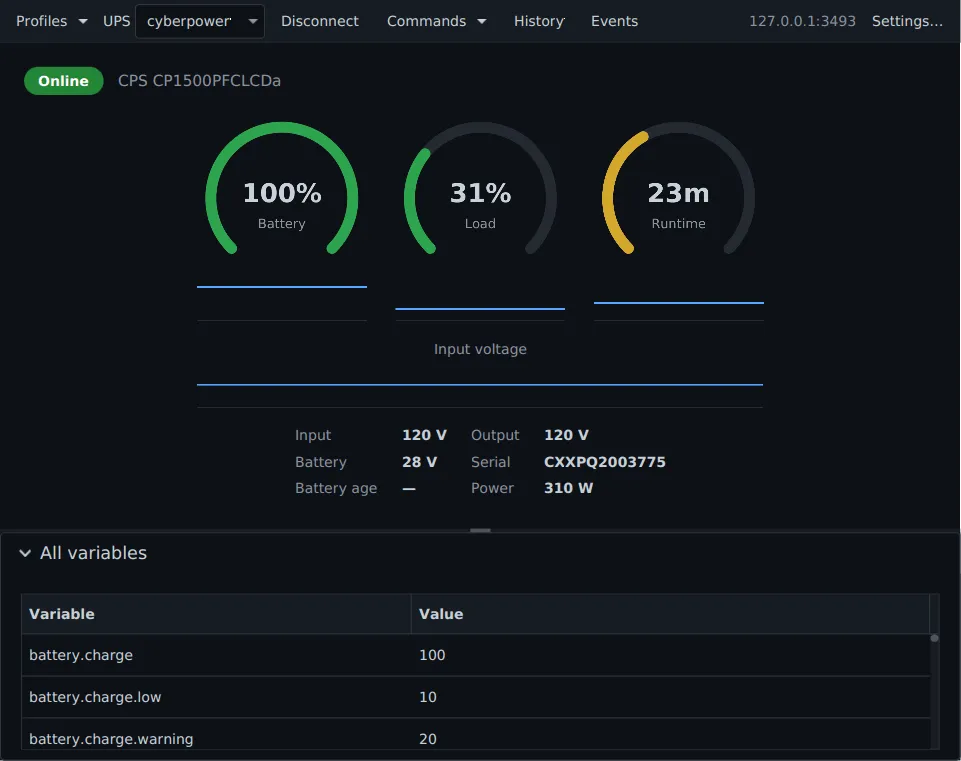
 nux UPS monitor for Network UPS Tools, living in the tray.GitHub
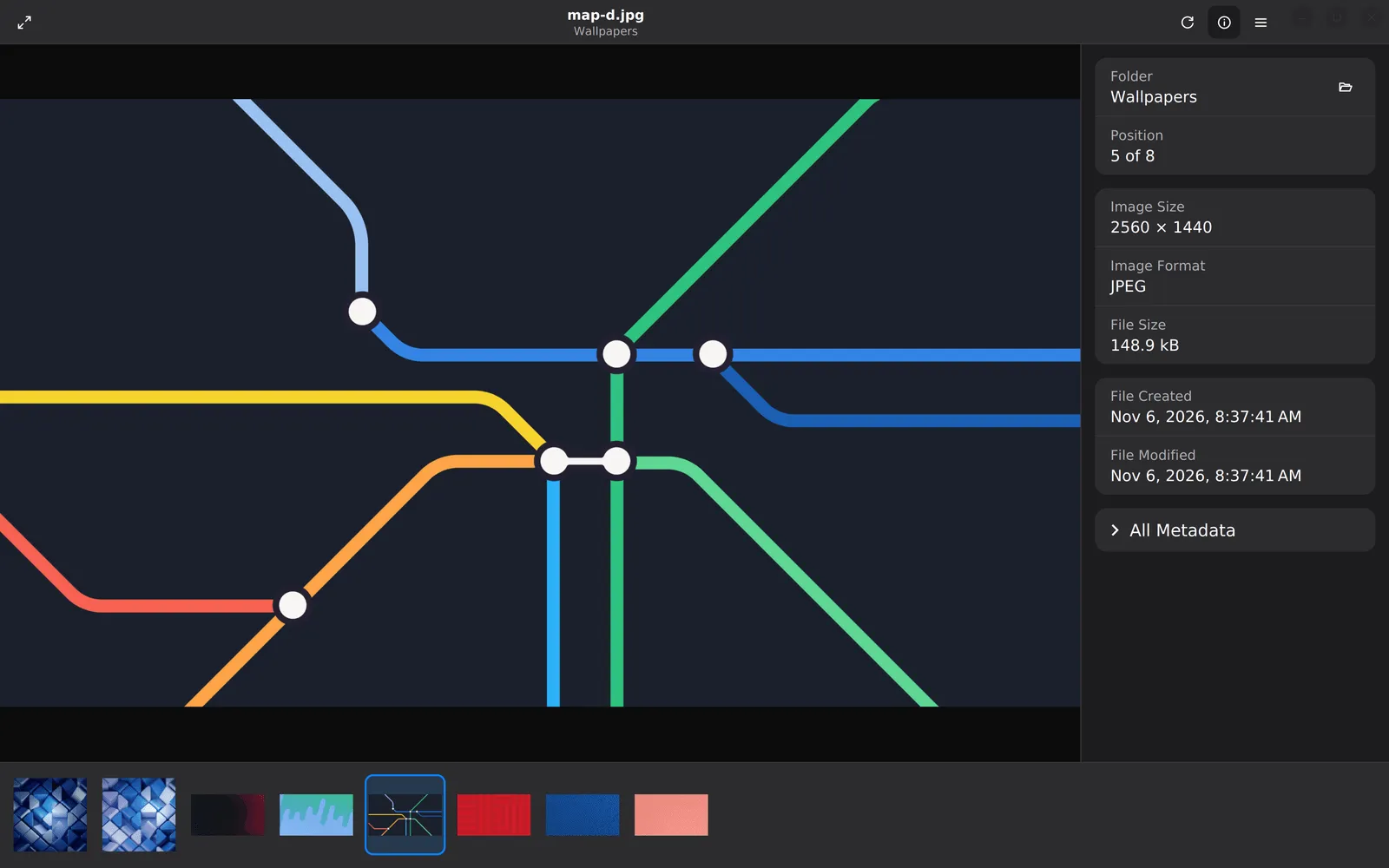
 Mirada Fast image viewer, shipped as a GraalVM native image.GitHub
Pauta 1.2.0 · · Changelog