
Pauta
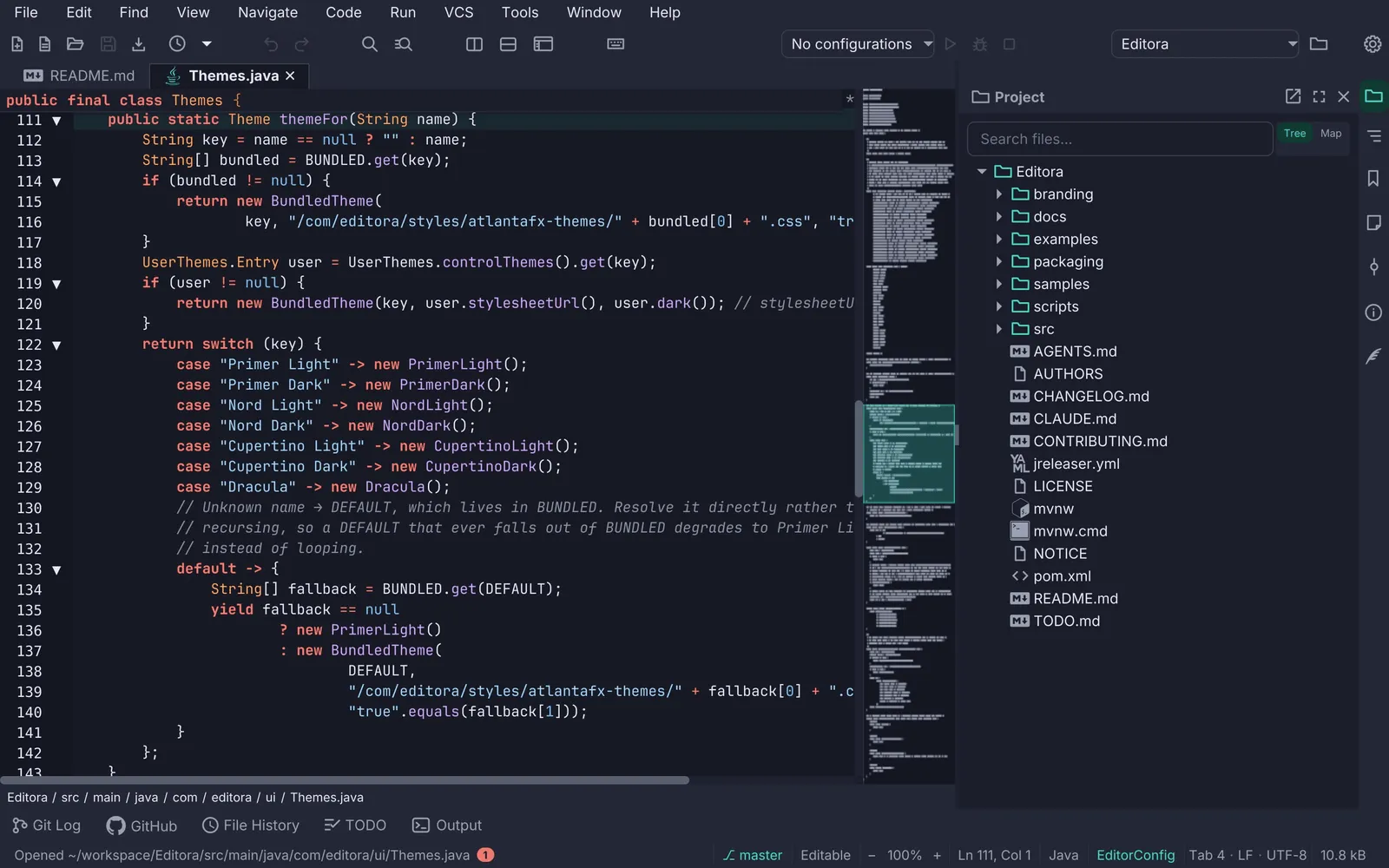
The adl desktop apps guidelines. UI, UX and platform rules for the family of JavaFX desktop apps, with Editora as the reference implementation; every rule names the class or file to copy from.
Version 1.3.0 · 2026-11-06
Where to start
Section titled “Where to start”PrinciplesThe thirteen rules every other page follows from.
New app checklistEverything a new app needs before its first release.
Feature matrixWhich of the six apps has which piece today.
Gaps per appWhat each app still misses against this guide.
What’s new
Section titled “What’s new”Added
- Icons and colour, a new Experience page: Inter on every scene and JetBrains Mono for code; the Caret & Ink
palette as a swatch grid of each token’s light and dark value; the state vocabulary (amber not durable yet, red
broken, green verified, accent an offer, periwinkle the keyboard and nothing else) named once on
.rootfrom the theme’s roles, with the contrast rulesStyleContrastTestpins; the 28 themes and the separate editor themes; and the two icon families (kit line glyphs stroked, Material glyphs filled), their classes, sizes and licences, with what each of the six apps does. The checklist gains an Icons and colour group and the matrix three rows. - Toolbars and tooltips, a new Experience page: an icon-only button gets its tooltip and its accessible name from
one helper, stays out of the Tab order and names its command and chord in the tooltip; groups are spaced, not
ruled, on one chrome band with the menu bar and the tab strip; a toggle wears
:openwhile its overlay shows; the pinned tail never overflows; and Editora’s customisable toolbar (drag to reorder, drag off to remove, Escape) as a MAY. An annotated mockup and a spec table from Editora’sIcons,ToolbarCoordinatorandToolWindowManager. - Tabs and tool panels, a new Experience page. The tab header is a graphic label that carries the states (
•and amber italic for unsaved, a pin and bold for pinned, muted italic for read-only, the Git colours), is the drag handle for reordering, and opens into the editor with a three-sided border; bulk close skips pinned tabs and Reopen Closed Tab brings the last one back. Tool panels dock on three stripes, two windows a side, toggled by commands and restored fromworkspace-state.json, with the SplitPane divider as their only edge. An annotated mockup and a spec table from Editora’sTabHeaders,ClosedTabs,SwitcherandToolWindowManager; Torrenta’s sidebar and detail pane, Mirada’s panels and Termina’s panes beside them. - Tray and background, a new Experience page for the apps that keep working without their window: the tray icon
(a StatusNotifierItem on Linux, AWT elsewhere, the app’s own mark recoloured by state), its text-only menu with the
status line first and Quit last, close to tray only while an icon is actually up,
--minimized, start at login as the OS’s own entry with nothing beside it, and desktop notifications through oneNotifierwith one switch per event. From Torrenta’stray/,os/Autostartandautomation/Notifiers, with Modula and nux. The checklist gains a Tray and background group and the matrix two rows. - QuickOpen picker template. The palette card with a title and a prompt, for choosing one thing from a list:
anatomy, spec (620 px, 26 px rows that hug the matches, 12 before scrolling), behaviour (the supplier’s order until
you type, the current value pre-selected, preview with an undo, row actions), what each app picks with it, and the
strings. From Editora’s
QuickOpen,PickerKeysandOverlayHost; Mirada’sCommandPalette.Choicesis the same shape. - Welcome page template. Editora’s start page as a mockup with its anatomy: Start actions that are commands with
their chords, recent projects and files a digit away, Customize, Help and the footer; the spec from
WelcomePane, when the page shows and when it does not (the empty-state hint after the last tab), and Torrenta’s drop zone as the empty state for an app with no documents. - Confirm dialog, a template. The question before a destructive action: it names the thing and the consequence, the button names the action in red (
danger), Cancel is the catalogue’s word with Escape behind it, and where an undo exists there is no question. Mockup, the three-answer unsaved-changes variant, a spec tied to Editora’sCloseCoordinatorandGitCoordinator.confirmDestructiveand Torrenta’sRemoveConfirm, and the strings. - Find bar, a template. In-scene and incremental with a count; Enter and Shift+Enter step, Escape closes the bar and gives the keyboard back; the keymap’s caret chords work in the field; big documents and scrollbacks are searched off the FX thread. Editora’s docked find and replace and Termina’s floating card as mockups, Torrenta’s filter box as the list app’s version.
Fixed
- The palette’s shared parts are named as the code has them. Editora’s caret-key helper is
TextInputKeymap(TextInputKeysin Termina’s and Mirada’s copies), and Torrenta sharesMatchTextonly, ranking with its ownCommandMatcher; the Command Palette template and Shared features said all four were shared verbatim with all three.
How to read it
Section titled “How to read it”MUST A release blocker for a new app.
SHOULD Expected unless the app has a stated reason.
MAY A pattern worth copying when the app grows into it.
When this guide and Editora disagree, check Editora’s code, then fix whichever is wrong.
The family
Section titled “The family”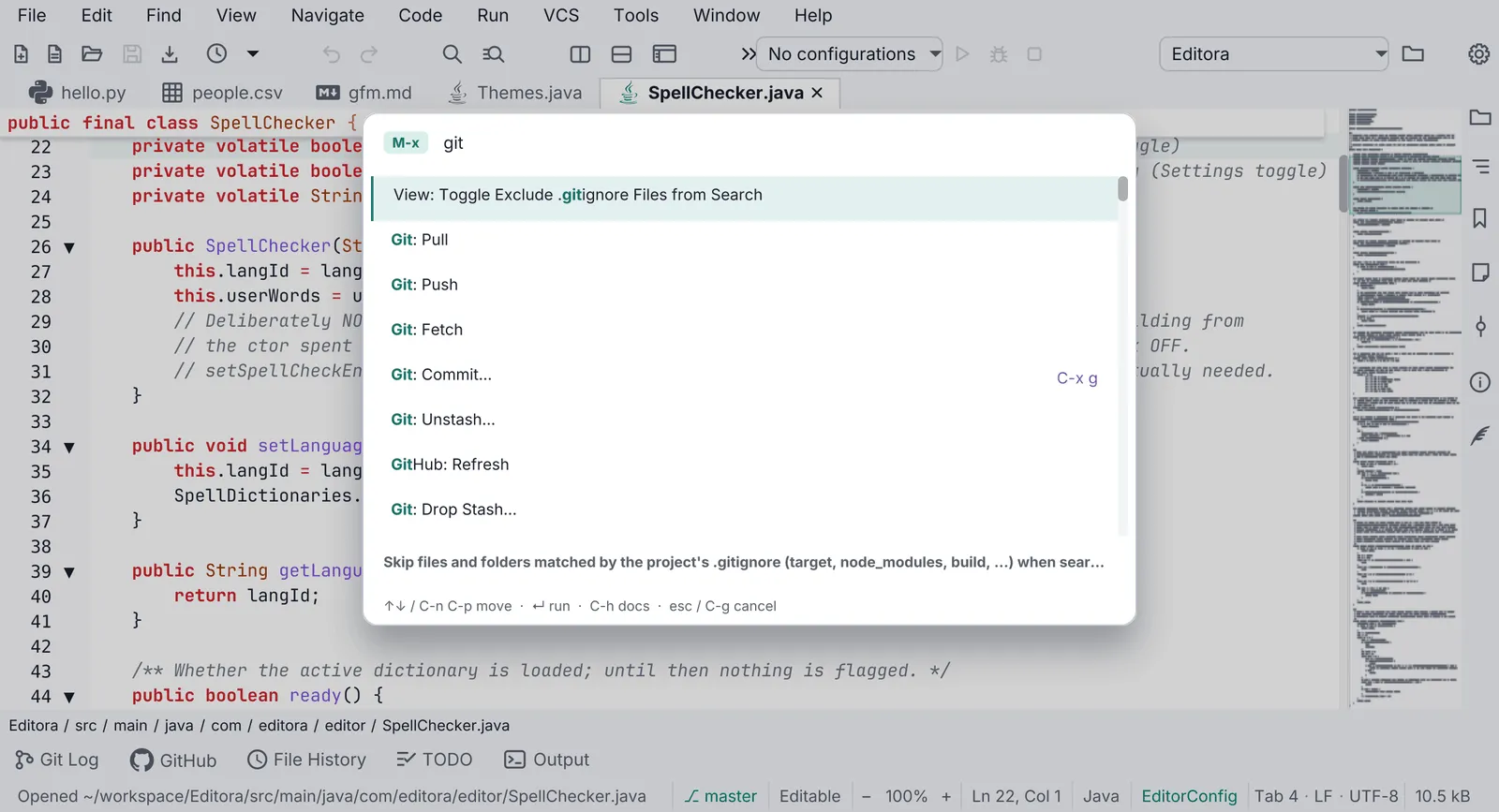
 EditoraREFERENCE Keyboard-driven programmer’s text editor. The reference implementation.editora-project.dev · GitHub
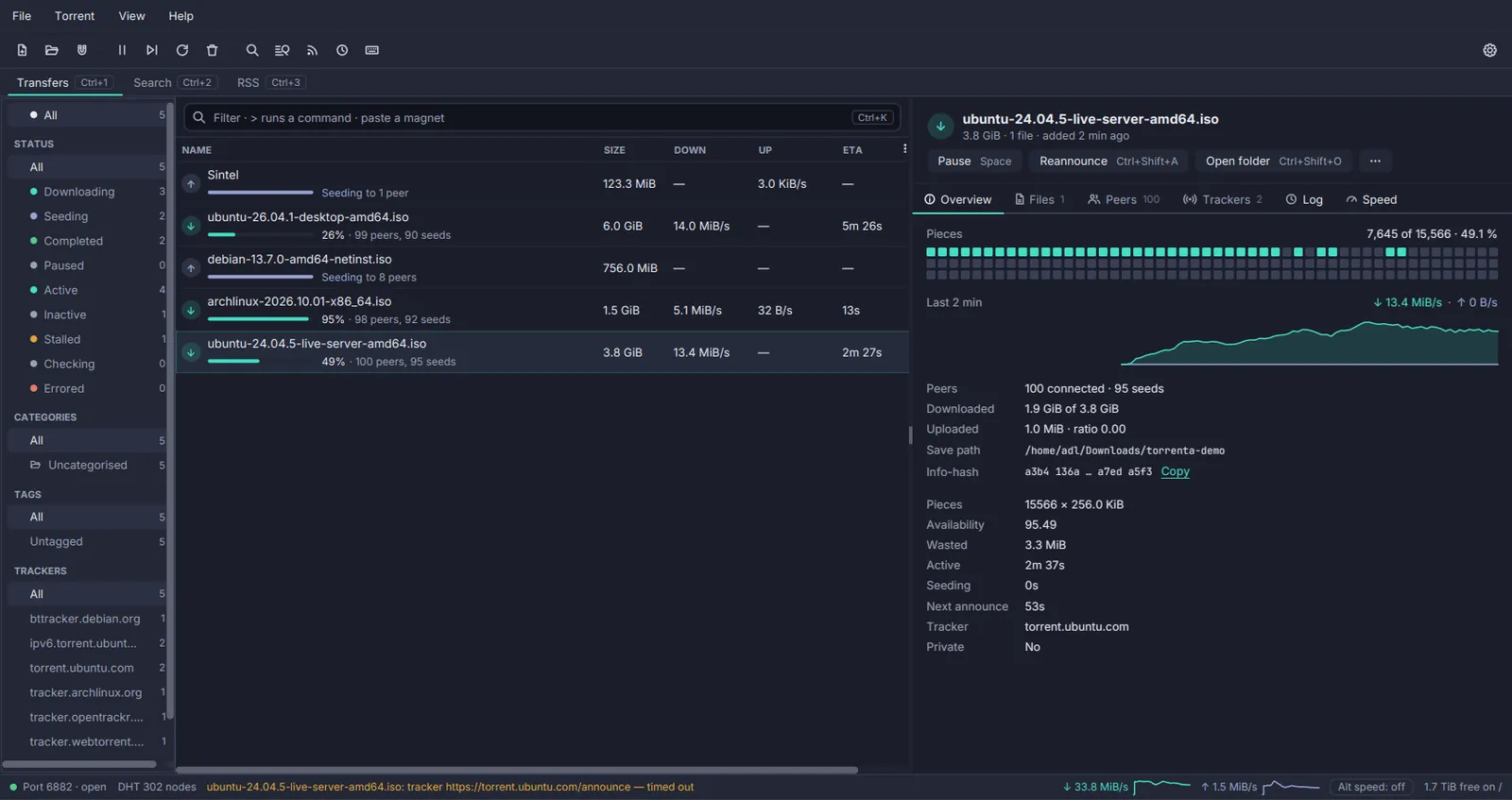
 Torrenta BitTorrent client with a tray icon and a web API.torrenta-project.dev · GitHub
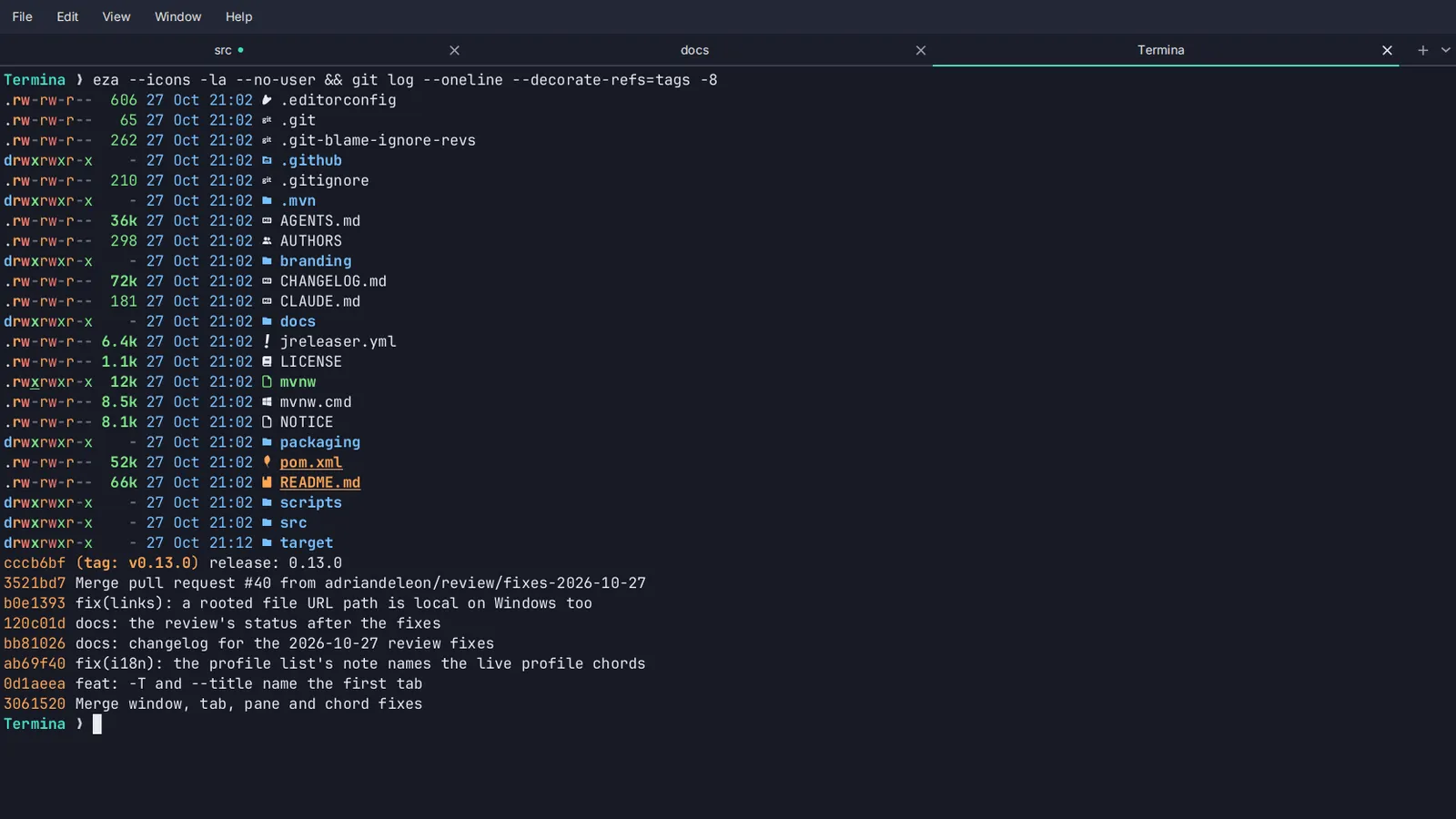
 Termina Terminal emulator with tabs and imported colour schemes.termina-project.dev · GitHub
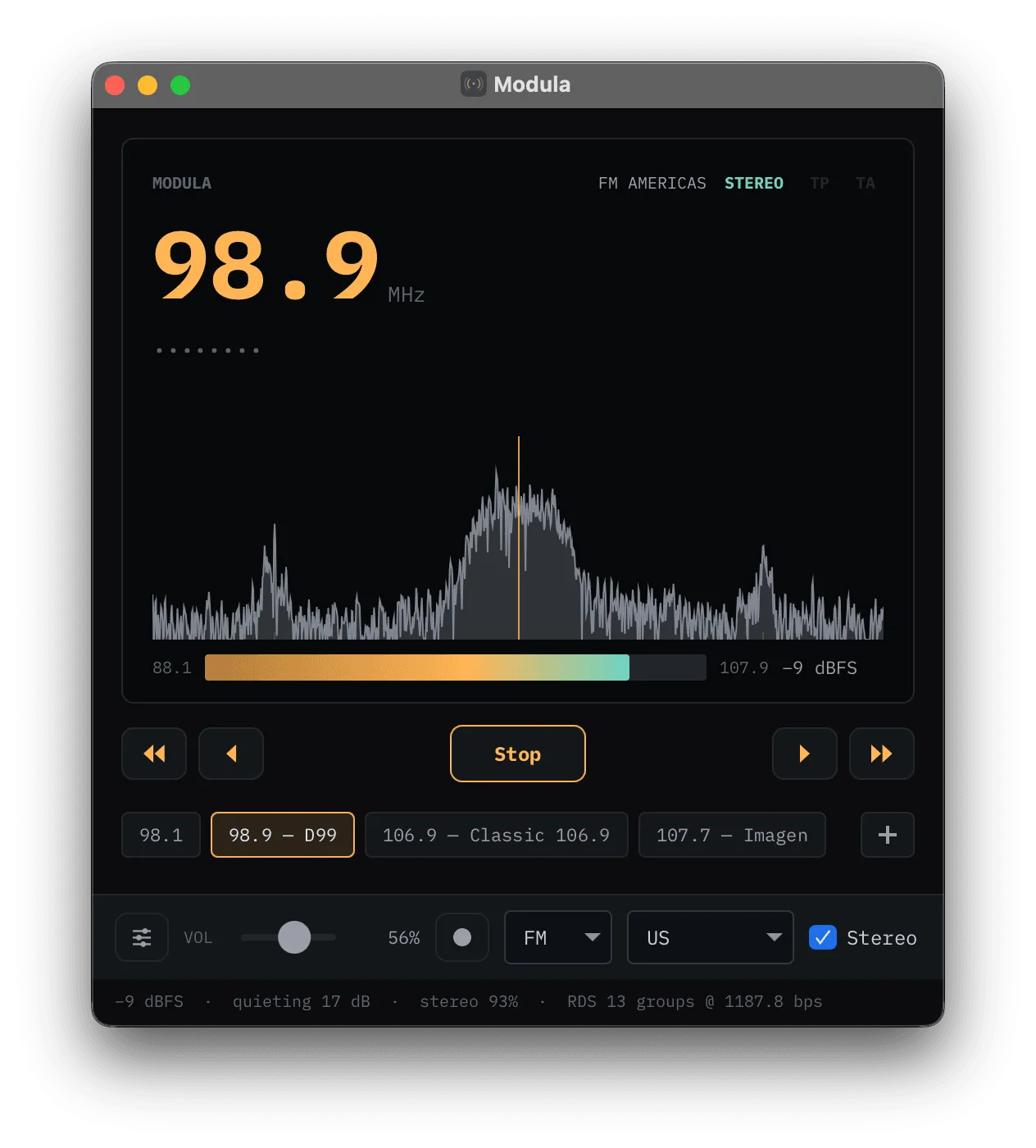
 Modula Software-defined-radio receiver.GitHub
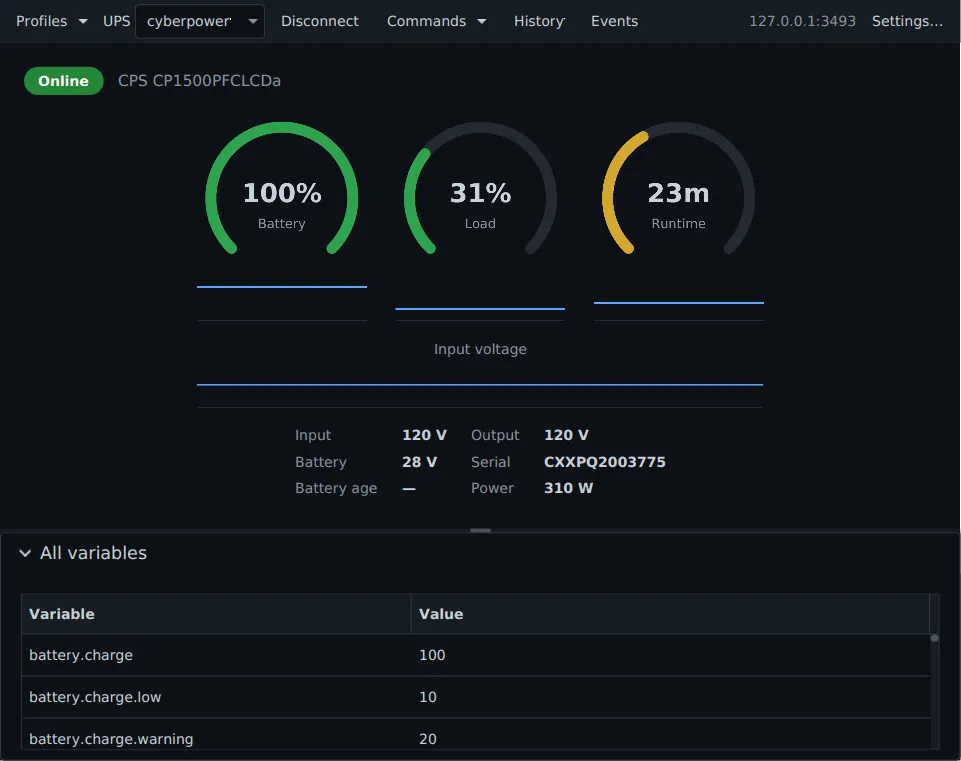
 nux UPS monitor for Network UPS Tools, living in the tray.GitHub
 Mirada Fast image viewer, shipped as a GraalVM native image.GitHub
Pauta 1.3.0 · · Changelog