Settings
The Settings window
Section titled “The Settings window”- MUST. Opened by
Ctrl/Cmd+,and a palette command. A sidebar of pages with icons on the left, the page on the right, and a search field on top. - Search finds a row by its title, description, visible text, its card or section heading, its page
name and English keywords. Title hits rank above description hits; whole words above word starts. The
page with the best match opens, and every non-matching row, heading and card is hidden
(
SettingsSearch). - Live apply. No Save button. Text fields commit on Enter or focus loss; invalid numbers are marked and never committed.
- A change made in one window reaches every other open window.
Adding a setting touches five places
Section titled “Adding a setting touches five places”- Model field, default and accessors, with a schema bump and migration.
- Control, built once, writing the field and applying it.
- Row on its page with search keywords.
- Load line that sets the control from the model, safe to run at any time.
- Palette command that flips or prompts the same field, plus strings in every catalog.
Config folder and schema
Section titled “Config folder and schema”- Config lives in
~/.<app>(~/.<app>-devfor--dev, any folder via--config-diror<APP>_CONFIG_DIR). settings.jsonfor preferences,workspace-state.jsonfor session state, other stores in their own JSON files.- Every versioned file has a
SCHEMA_VERSIONand av → v+1migration step. A purely additive field uses an identity step. - A file newer than the running build is backed up to
<name>.v<n>.bakand defaults load: an older build never clobbers a newer config. - Export configuration writes a timestamped
.zipof the config folder (ConfigExporter). Import restores from one.
Settings Sync (Git / GitHub)
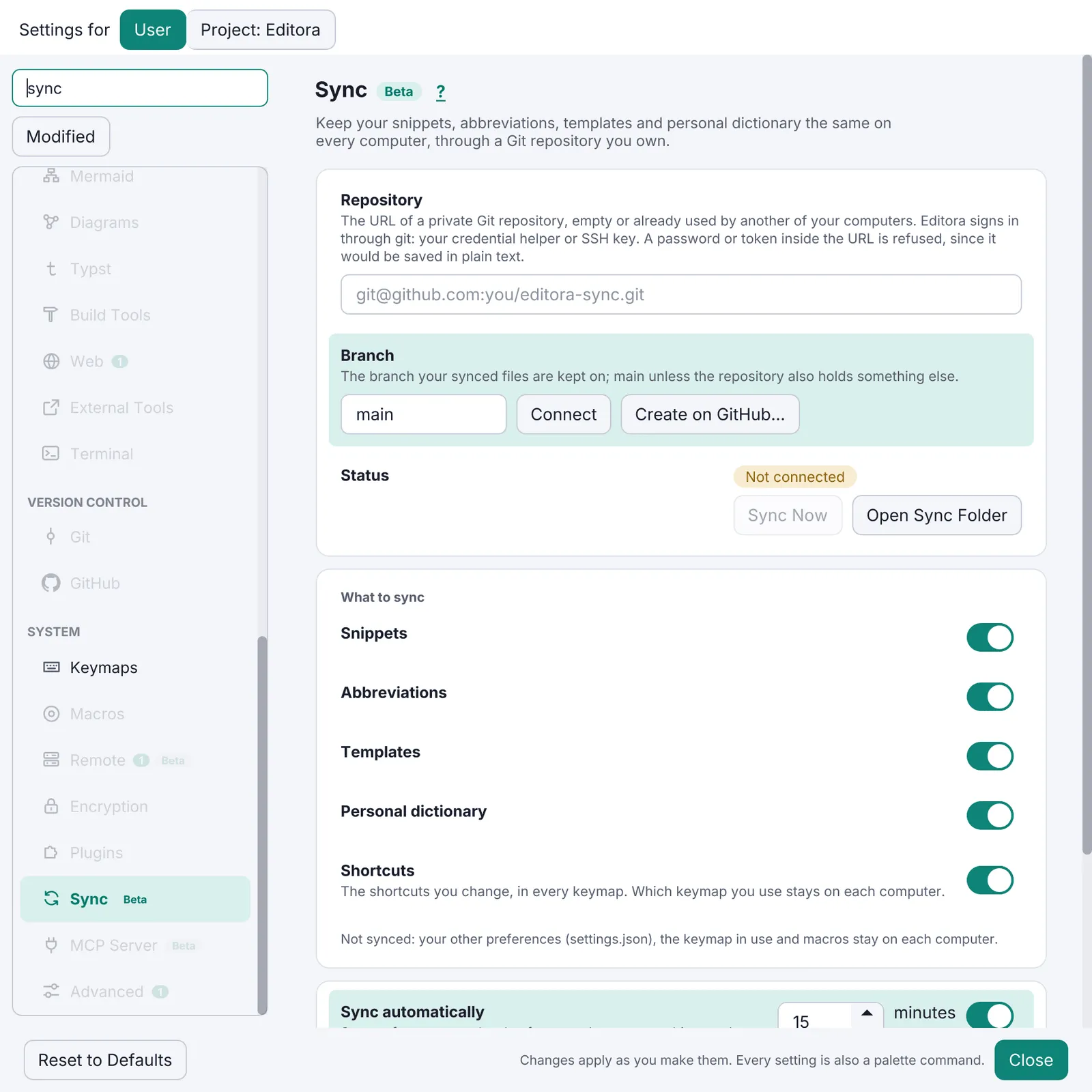
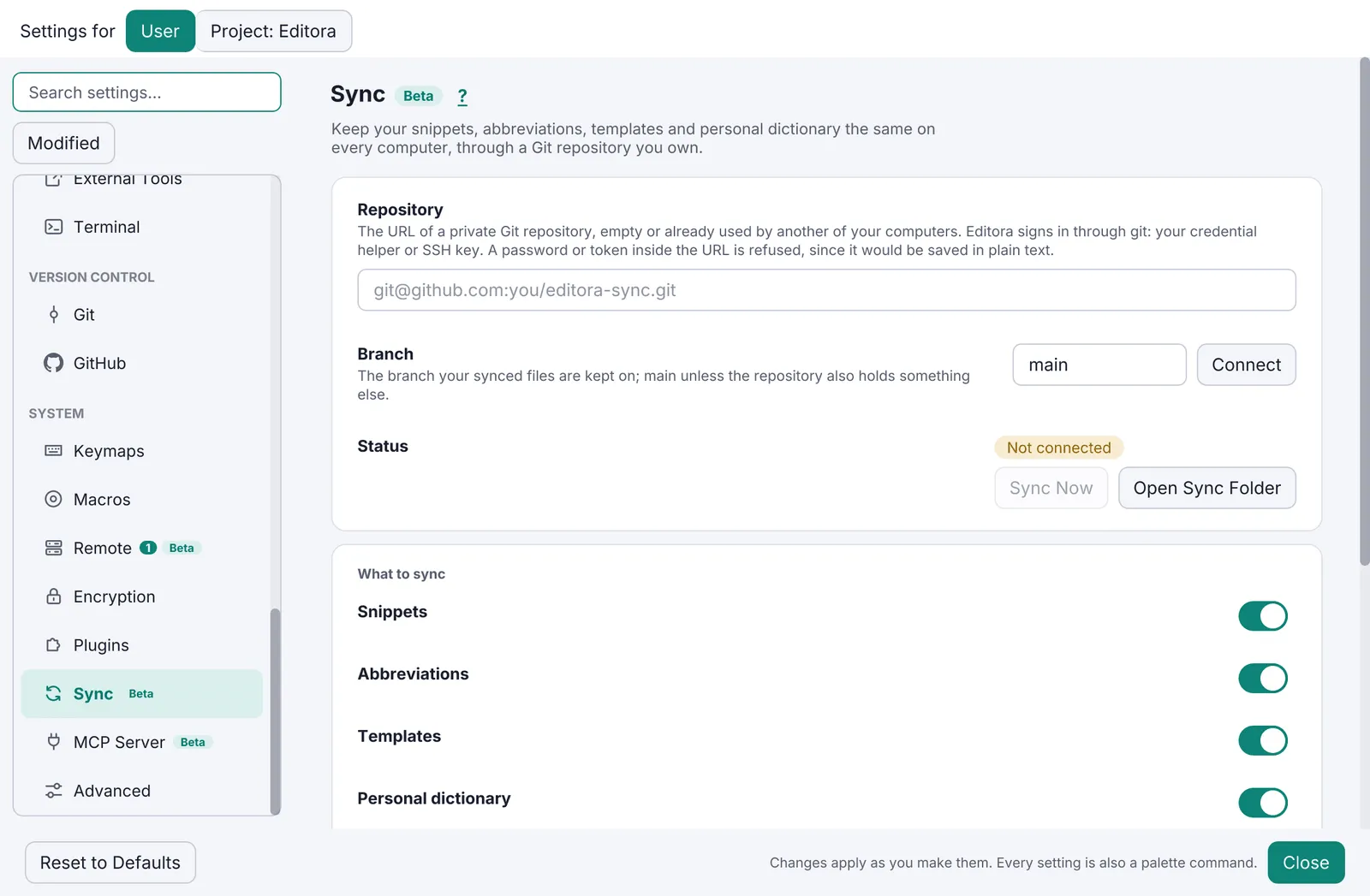
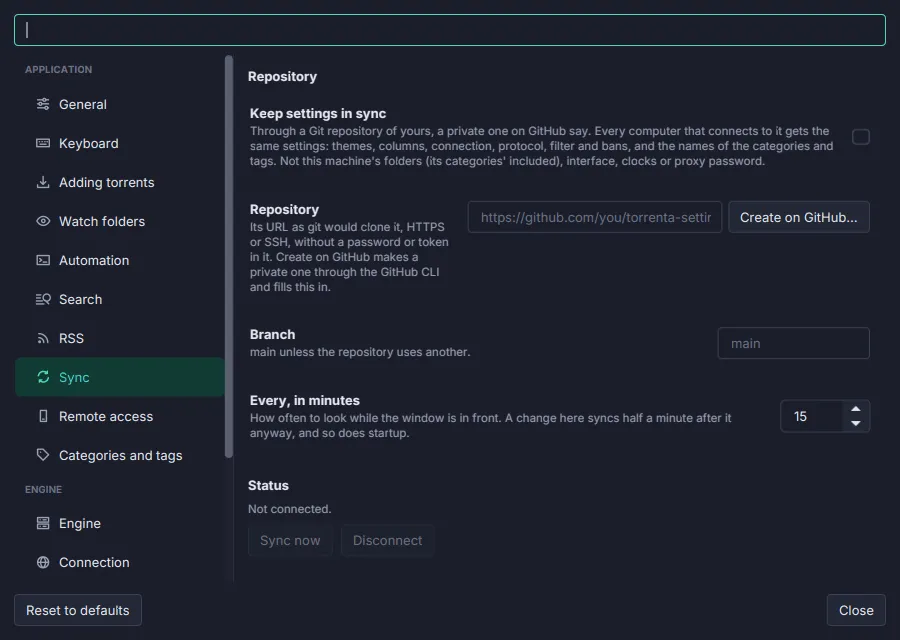
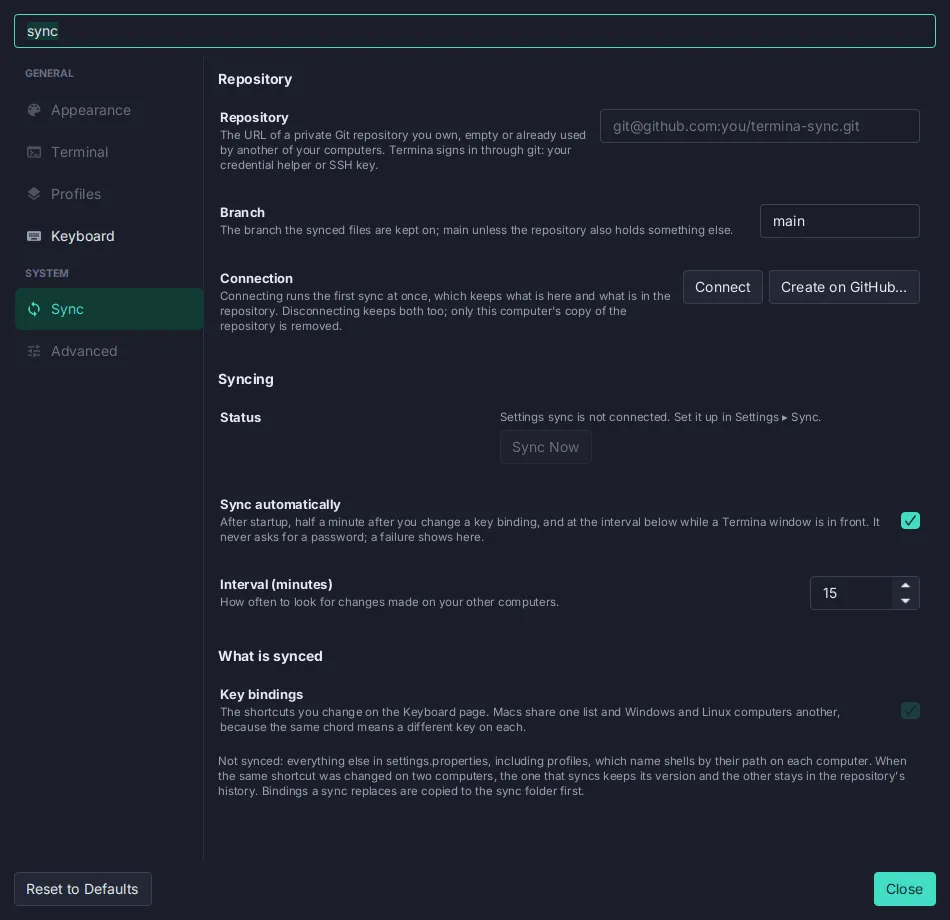
Section titled “Settings Sync (Git / GitHub)”- SHOULD. Optional sync of settings, keybindings and user data through a Git repository the user owns.
- Setup by pasting a repo URL, or Create on GitHub through the
ghCLI. The account that can read the repo is pinned per clone, so machines with two GitHub accounts work. - Automatic (on change and at start) and manual triggers. Machine-local keys (window size, paths) never sync.
- Conflict rule: on a same-entry conflict this machine wins. A backup is taken before any sync that replaces local files.
- Status shows as a pill in Settings and as echo messages; failures go to the Message Log.
- Reference:
sync/SyncEngine,sync/SyncMerge,sync/SyncAccount,ui/SettingsSync,docs/subsystems/settings-sync.md.
Version 1.0.0 · · Changelog