
Window shell
Rules on this page 7
| ID | Level | Rule |
|---|---|---|
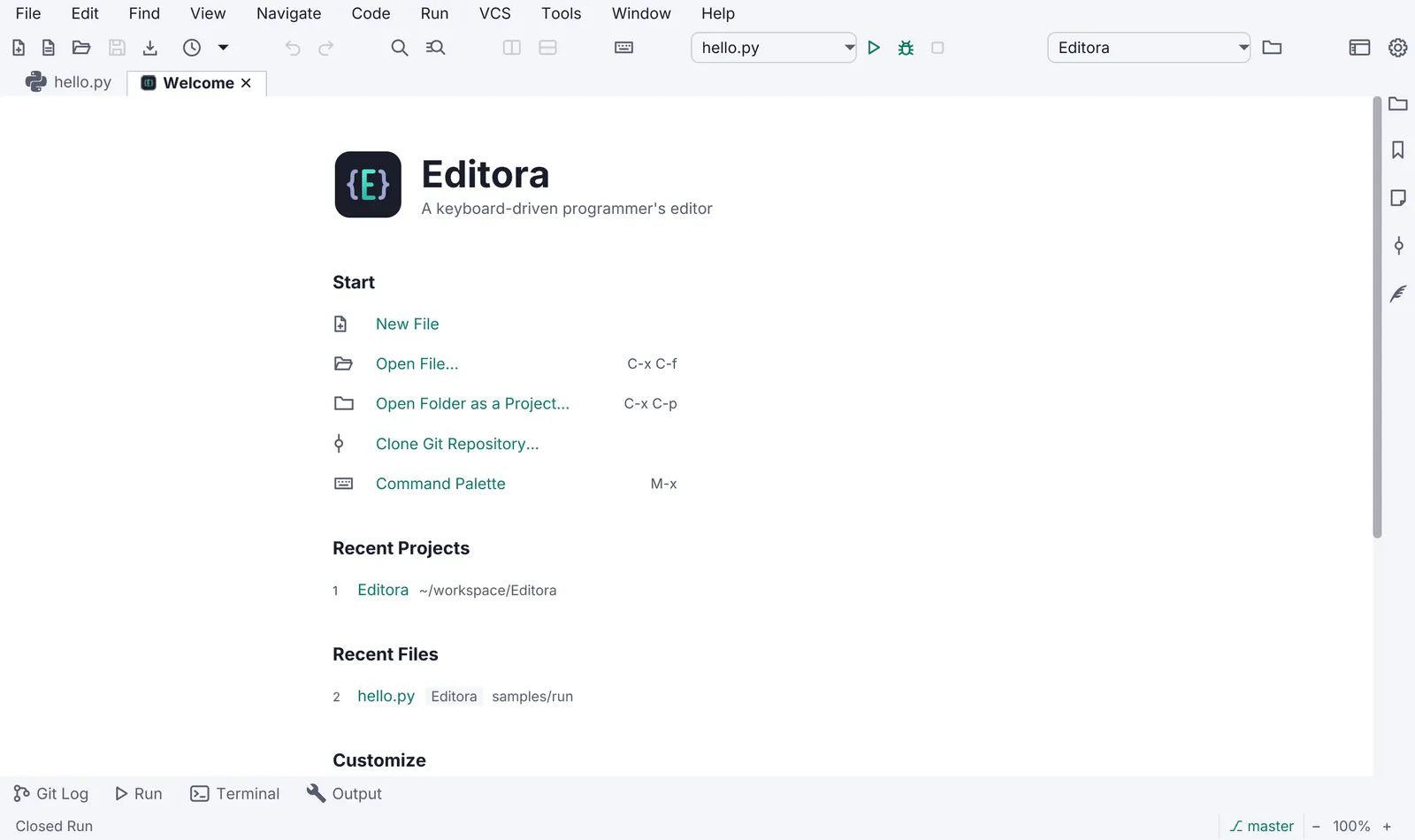
| WIN-01 | MUST | A status bar is always present (it can be toggled). Its left side is the echo area: one line
of feedback for the last action, errors in red and warnings in amber. Clicking it opens the Message Log.
|
| WIN-03 | SHOULD | The title bar uses JavaFX 27’s HeaderBar with StageStyle.EXTENDED to carry the menu or
tabs, with a decorated-window fallback, and useSystemMenuBar on macOS.
|
| WIN-04 | SHOULD | Native dialogs go through one helper that attaches the app stylesheet and the UI font.
|
| WIN-11 | MUST | A dialog’s buttons are in the same order on every OS, with Cancel to the left of the action, as the
Confirm dialog draws them: the dialog’s ButtonBar gets one fixed order, never
JavaFX’s default for the OS. See Same on every OS.
|
| WIN-08 | SHOULD | Window size, position, maximized state and open items are restored on the next launch.
--no-session skipping the restore is CLI-04.
|
| WIN-09 | SHOULD | UI and content zoom from the keyboard ( Ctrl/Cmd +, -, 0), kept across launches.
|
| WIN-10 | MAY | Modes: Zen (no chrome), Simple (fewer menus for new users), Expert.
|
- WIN-01 MUST A status bar is always present (it can be toggled). Its left side is the echo area: one line
of feedback for the last action, errors in red and warnings in amber. Clicking it opens the Message Log.
- Check (code): the echo label switches between an error and a warning style class, and its click handler runs the Message Log command.
- Reference: Editora
ui/StatusBar.java(status-echo-error,status-echo-warn; a click runsview.messageLog) and the Message Log template.
- WIN-03 SHOULD The title bar uses JavaFX 27’s
HeaderBarwithStageStyle.EXTENDEDto carry the menu or tabs, with a decorated-window fallback, anduseSystemMenuBaron macOS.- Check (code): the main stage is created
StageStyle.EXTENDEDwith aHeaderBar, a setting falls back to a decorated window, and the menu bar setsuseSystemMenuBaron macOS. - Reference: Editora
ui/ExtendedWindow.java,ui/MainMenuBar.java.
- Check (code): the main stage is created
- WIN-04 SHOULD Native dialogs go through one helper that attaches the app stylesheet and the UI font.
- Why: a dialog is its own scene and inherits neither.
- Check (code): every
AlertandDialogthe app builds passes through the helper. - Reference: Editora
ui/Dialogs.java(Dialogs.styled).
- WIN-11 MUST A dialog’s buttons are in the same order on every OS, with Cancel to the left of the action, as the
Confirm dialog draws them: the dialog’s
ButtonBargets one fixed order, never JavaFX’s default for the OS. See Same on every OS.- Why: JavaFX orders a
ButtonBarby the OS it runs on (BUTTON_ORDER_WINDOWS,_MAC_OS,_LINUX), so the same confirmation puts its action on the left on Windows and on the right on macOS and Linux. - Check (code): the dialog helper (WIN-04), or each dialog, calls
setButtonOrderon the dialog pane’sButtonBarwith one constant. - Reference: no app yet. Editora’s Git confirmations give their buttons the
OK_DONEandCANCEL_CLOSEroles and leave the order to JavaFX.
- Why: JavaFX orders a
- WIN-08 SHOULD Window size, position, maximized state and open items are restored on the next launch.
--no-sessionskipping the restore is CLI-04.- Check (test): a round-trip test of the saved workspace state.
- Reference: Editora
config/WorkspaceState.java(windowX…windowMaximized),ui/WindowSessionCoordinator.java,App.noSessionFlag; testsWorkspaceStateV29Test,AppArgsTest,NoSessionStartupFxTest.
- WIN-09 SHOULD UI and content zoom from the keyboard (
Ctrl/Cmd +,-,0), kept across launches.- Check (code): zoom in, out and reset are commands bound in every keymap, and the zoom level is a saved setting.
- Reference: Editora zooms content only:
view.textZoomIn,view.textZoomOutandview.textZoomReset, kept inSettings.fontZoom.
- WIN-10 MAY Modes: Zen (no chrome), Simple (fewer menus for new users), Expert.
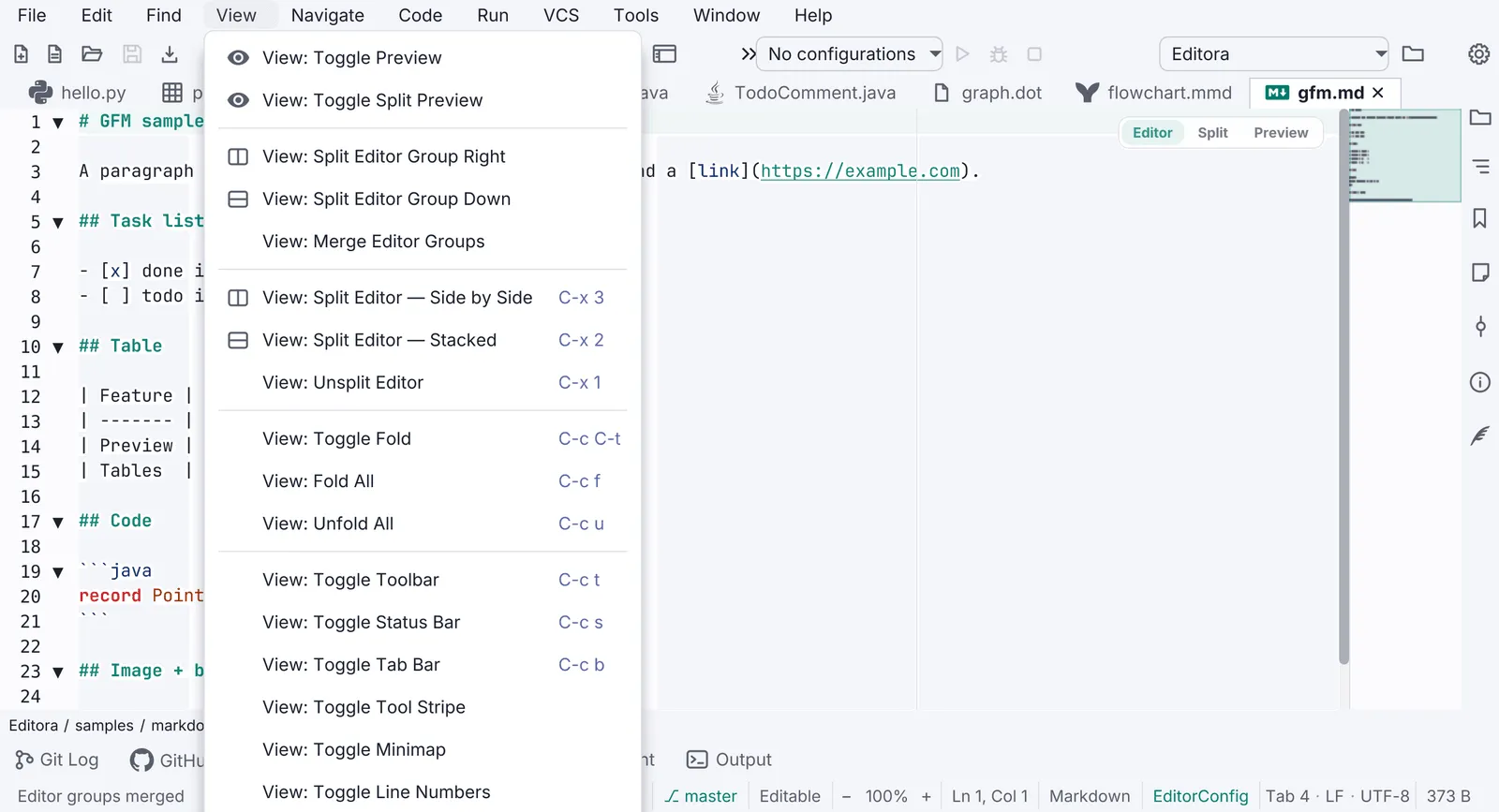
- Check (code): each mode is a command, and one truth table decides which chrome each mode shows.
- Reference: Editora
ui/WindowChromeCoordinator.java(toggleZen,applySimpleMode) over the truth table inui/Chrome.java.
The rest of the window has its own pages. Light and dark themes switched at run time, the “follow the system” choice and what the state colors mean are ICON-15, ICON-16 and ICON-18. A destructive action asks first through the Confirm dialog (CONF-01 to CONF-04). The Welcome page is WELC-01, and the About window is ABOUT-02 and ABOUT-09.
Pauta 4.4.0 · · Changelog · This page in the latest edition