
Principles
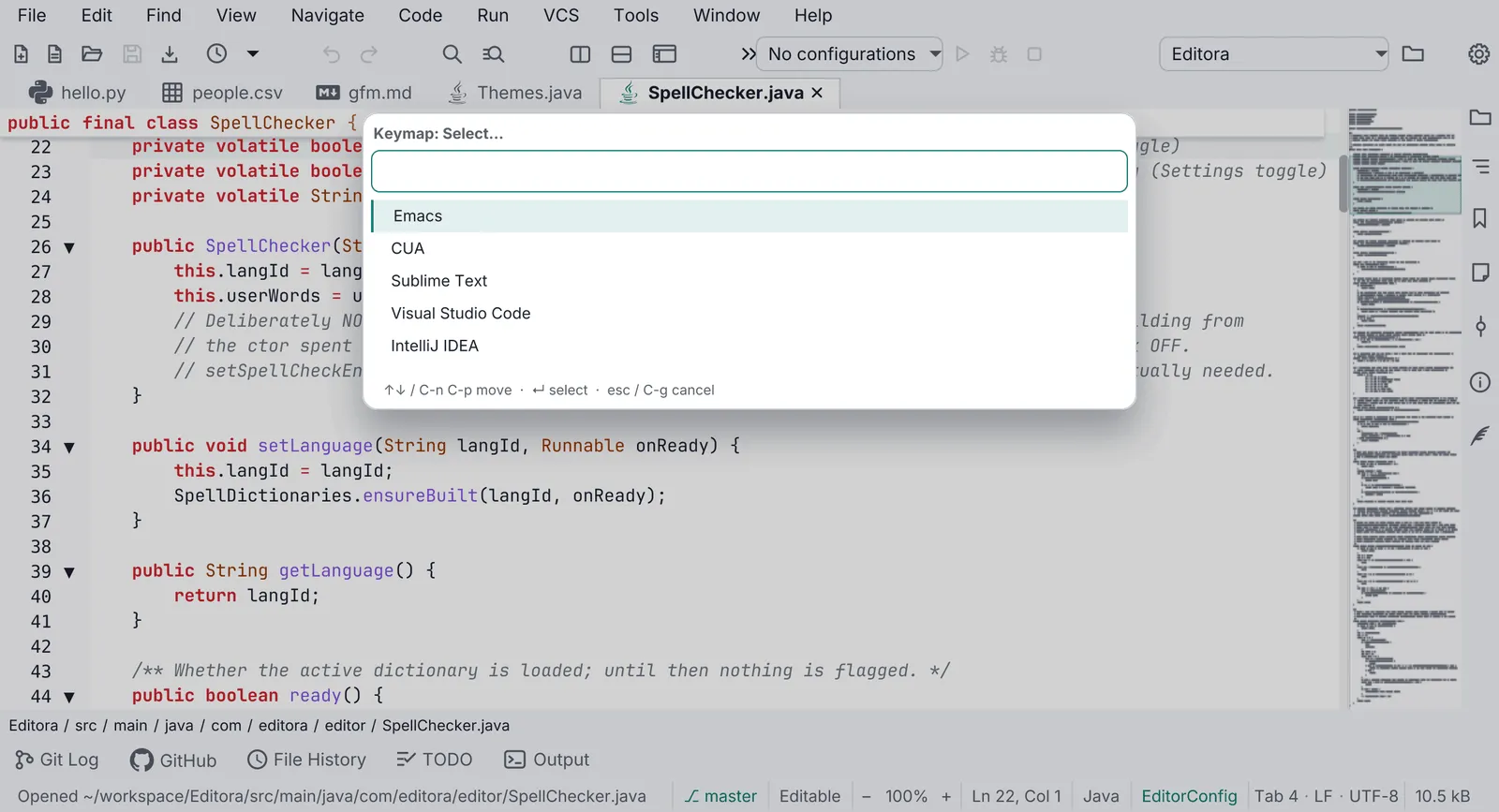
Most of these come from what the six apps already do; where an app still falls short, the principle is the target its rules point to. The first is the reason the family and this guide exist: one app that is the same on Windows, macOS and Linux. The other twelve are how the apps get there and stay there. Editora is the reference; each principle names where else it is written down.
For the people using the apps
Section titled “For the people using the apps”- Same app on every OS. A user who moves between Windows, macOS and Linux finds the same features, the
same commands and keymaps, the same look and the same installer quality, and never relearns the app. The OS’s own
way wins only where the app meets the OS itself (the system menu bar, the modifier key, file dialogs,
notifications, installers), and Same on every OS lists every such place. Those
differences live behind one class, never scattered
if (isMac)checks. Every other principle serves this one. - Keyboard first. Every action works without a mouse. The mouse is a shortcut to commands, not the other way round.
- Every feature is a command. One registry of commands with ids. Menus, toolbar buttons, the command palette and key bindings all run commands by id. Nothing is wired straight to logic.
- Speed comes first. Start-up and the app’s core action (typing in Editora, stepping to the next image in Mirada, a keystroke reaching the shell in Termina) are the product. When a feature pulls against them, the feature loses or waits until it can be made cheap. (Mirada’s “Priorities” and its “fast first”.)
- The UI never waits. The JavaFX application thread only touches the scene graph. Disk, network, processes, parsing and searching run on other threads and hand their result back; a keystroke, a scroll or a window opening never waits for them. See Performance, which names the only two exceptions: at start-up, before the first window is shown, the wait for the config read and the reading of the bundled resources that window is built from (its fonts, the message catalog, the keymap, its icons); and the last save as the app quits (PERF-01).
- Changes apply as they are made. Settings have no Save button. A change reaches every open window.
- Nothing fails silently. Every failure reaches the status bar, the Message Log or the Debug Log, and the user can turn any of it into a GitHub issue.
- Never claim what is not true. No link that looks like a link and does nothing, no “up to date” before an update check has answered, no setting that seems to apply when it cannot: a setting that waits for a restart says so on its own row. (Modula’s About, Editora’s update status, Termina’s settings rows.)
- Local first, nothing sent without asking. No telemetry. Apart from what the user set up (a feed they subscribed to, a transfer they started), the only automatic network call is a once-a-day release check the user can turn off. Problem reports are built locally and submitted by the user.
- Users’ data outlives versions. Config files carry a schema version and migrate forward. An older build never overwrites a newer config.
For the people building them
Section titled “For the people building them”- One source of truth for each fact. The version lives in
pom.xmland reaches About,--version, the update check and problem reports through a filteredbuild-info.properties. A key binding is declared once, so the menu and the accelerator cannot disagree. A list that repeats a fact (About’s dependencies, the coverage table in the docs) has a test that fails when the two drift, in both directions. (Modula’sDependenciesTest, nux and Torrenta’sAppInfo, Editora’sBuildHygieneTest.) - Separate the decision from the UI, then test it. Anything with a rule in it (which key does what, sort order, when a bar shows, whether a color is legible) is a small pure method or class with its own unit tests. UI classes stay thin and only wire decisions to controls. (Termina, Torrenta, Mirada and nux “Conventions”; Editora’s pure decision helpers.) See Code quality gates.
- Verify by driving the real app. UI bugs are visual and none of them throw. Before calling a UI change
done, run the real window, press the real keys and look at the result, through a capture hook or a
headless screenshot; reasoning about event order is not evidence. (Termina and Torrenta’s
DevCapture, nux’s--screenshot, the headless harness behind Editora’s website screenshots.)
Pauta 6.1.0 · · Changelog · Permanent link to this page in 6.1.0