
Settings
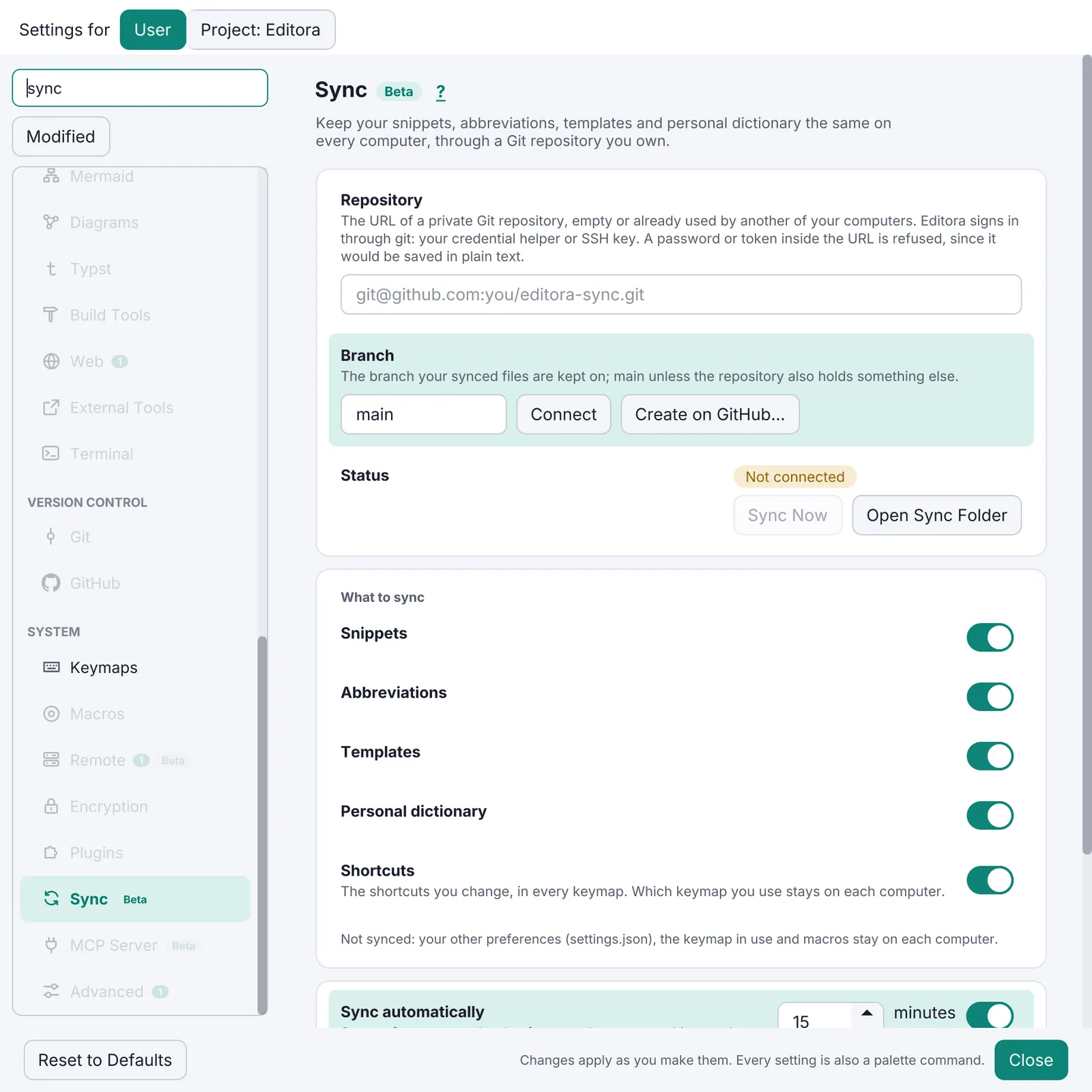
The Settings window
Section titled “The Settings window”- MUST Opened by
Ctrl/Cmd+,and a palette command. A sidebar of pages with icons on the left, the page on the right, and a search field on top. - Search finds a row by its title, description, visible text, its card or section heading, its page
name and English keywords. Title hits rank above description hits; whole words above word starts. The
page with the best match opens, and every non-matching row, heading and card is hidden
(
SettingsSearch). - Live apply. No Save button. Text fields commit on Enter or focus loss; invalid numbers are marked and never committed.
- A change made in one window reaches every other open window.
Before adding a setting
Section titled “Before adding a setting”A setting is a question the user has to answer. When the question has one right answer, choose it, make it the behaviour, and say why in the code and the docs; do not ship a knob for it. Modula’s test: would a car radio have it? A preset button, yes; a “decimation stages” spinner, no. So Modula has no gain, bandwidth or squelch control: each has one right value for a listener, and the app supplies it. Add a setting when people really differ (a keymap, a theme, a language), not when the developer could not decide.
Adding a setting touches five places
Section titled “Adding a setting touches five places”- Model field, default and accessors, with a schema bump and migration.
- Control, built once, writing the field and applying it.
- Row on its page with search keywords.
- Load line that sets the control from the model, safe to run at any time.
- Palette command that flips or prompts the same field, plus strings in every catalog.
Config folder and schema
Section titled “Config folder and schema”- Config lives in
~/.<app>(~/.<app>-devfor--dev, any folder via--config-diror<APP>_CONFIG_DIR). settings.jsonfor preferences,workspace-state.jsonfor session state, other stores in their own JSON files.- Every versioned file has a
SCHEMA_VERSIONand av → v+1migration step. A purely additive field uses an identity step. - A file newer than the running build is backed up to
<name>.v<n>.bakand defaults load: an older build never clobbers a newer config. - Never trust a config file. Config is plain JSON (or properties) and people edit it by hand. Clamp every
value to its valid range when it is read, not only when it is written: a hand-edited two-million-line
scrollback must not exhaust memory at the next launch (Termina). An unknown value falls back to its default; a
file that cannot be decoded is kept as
<name>.corrupt.bakand defaults load. A bad file never stops the app from starting. - Export configuration writes a timestamped
.zipof the config folder (ConfigExporter). Import restores from one.
Secrets stay out of files
Section titled “Secrets stay out of files”- No secret in a config file. API keys and tokens go to the operating system’s keychain: macOS Keychain,
Windows Credential Manager, the Secret Service on Linux (Editora’s
secrets/SecretStore). Calls may block on a prompt, so they run off the FX thread. - Or keep it for the session only. A credential the app can ask for again (nux’s UPS login) lives in memory and is never written. Work that needs it waits until the user has signed in this session; do not “fix” that by storing the password.
- Refuse a secret in the wrong place. A repository URL with a password or token in it is refused, with the fix (Settings Sync); a problem report redacts tokens, hosts and home paths before anyone sees it (Diagnostics).
- No UI for a dangerous escape hatch. An option that weakens security, such as nux’s trust-all TLS
(
tlsTrustAll), exists only as a key in the config file, so nobody turns it on by clicking.
Settings Sync (Git / GitHub)
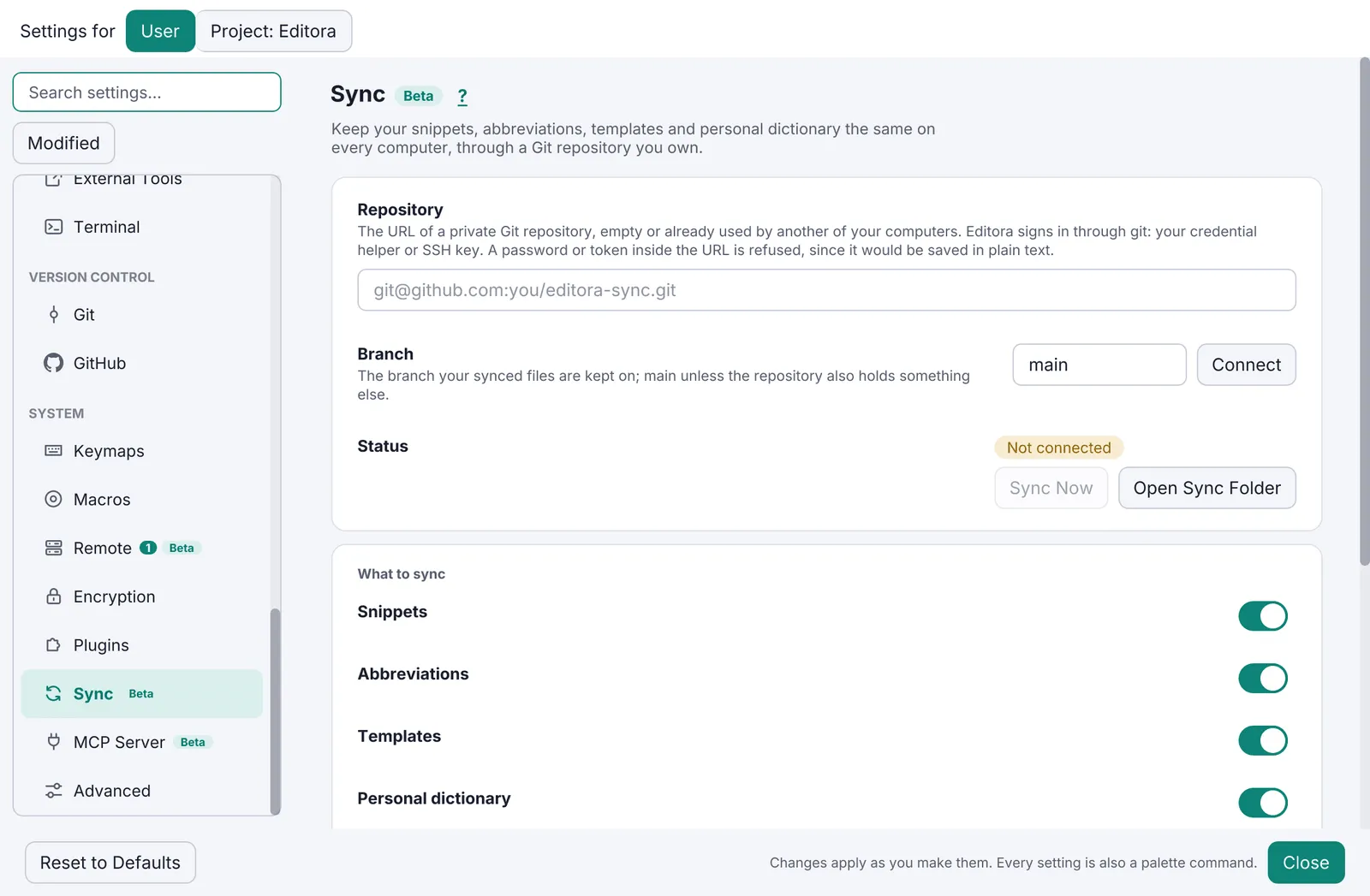
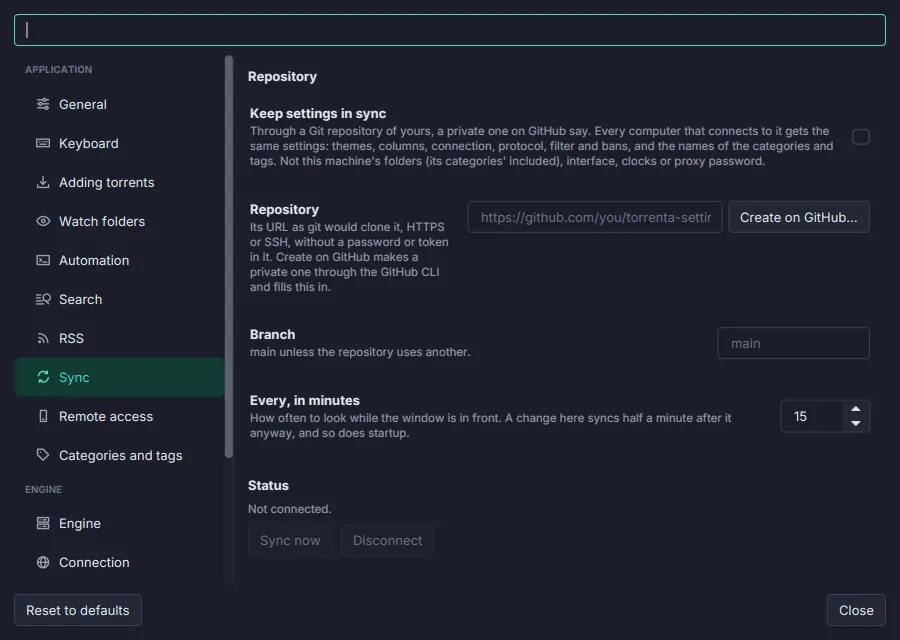
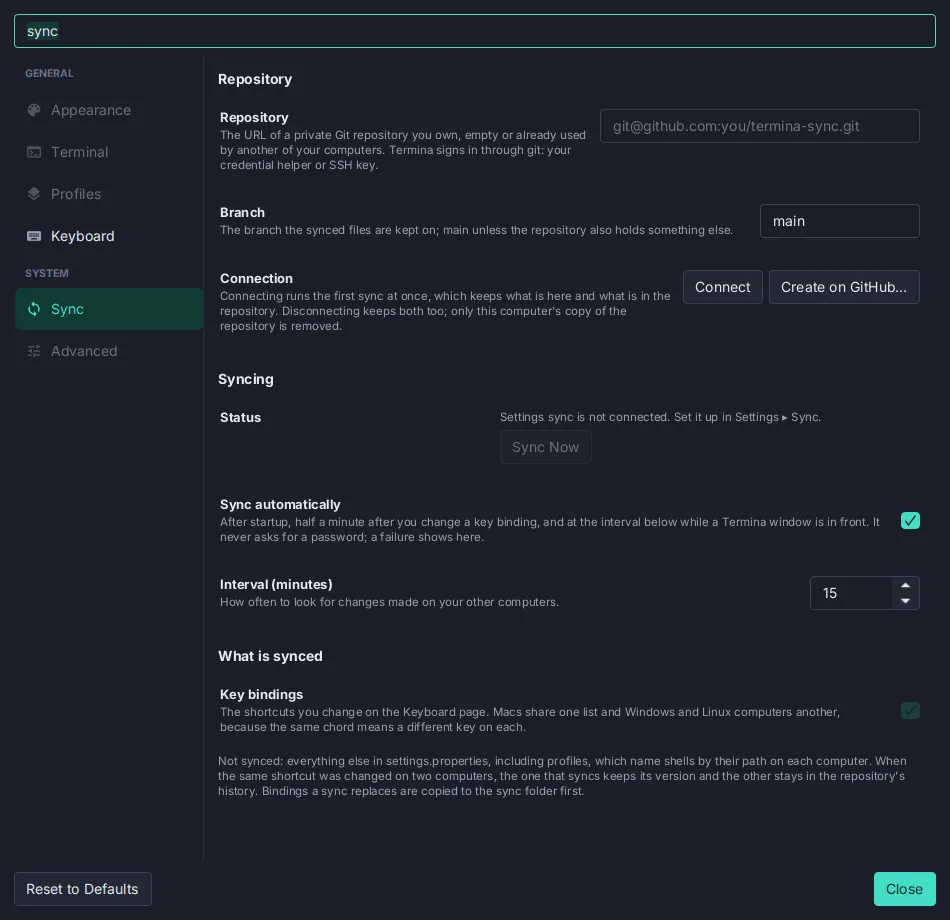
Section titled “Settings Sync (Git / GitHub)”- SHOULD Optional sync of settings, keybindings and user data through a Git repository the user owns.
- Setup by pasting a repo URL, or Create on GitHub through the
ghCLI. The account that can read the repo is pinned per clone, so machines with two GitHub accounts work. - Automatic (on change and at start) and manual triggers. Machine-local keys (window size, paths) never sync.
- Conflict rule: on a same-entry conflict this machine wins. A backup is taken before any sync that replaces local files.
- Status shows as a pill in Settings and as echo messages; failures go to the Message Log.
- Reference:
sync/SyncEngine,sync/SyncMerge,sync/SyncAccount,ui/SettingsSync,docs/subsystems/settings-sync.md.
Pauta 1.1.0 · · Changelog