
Window shell
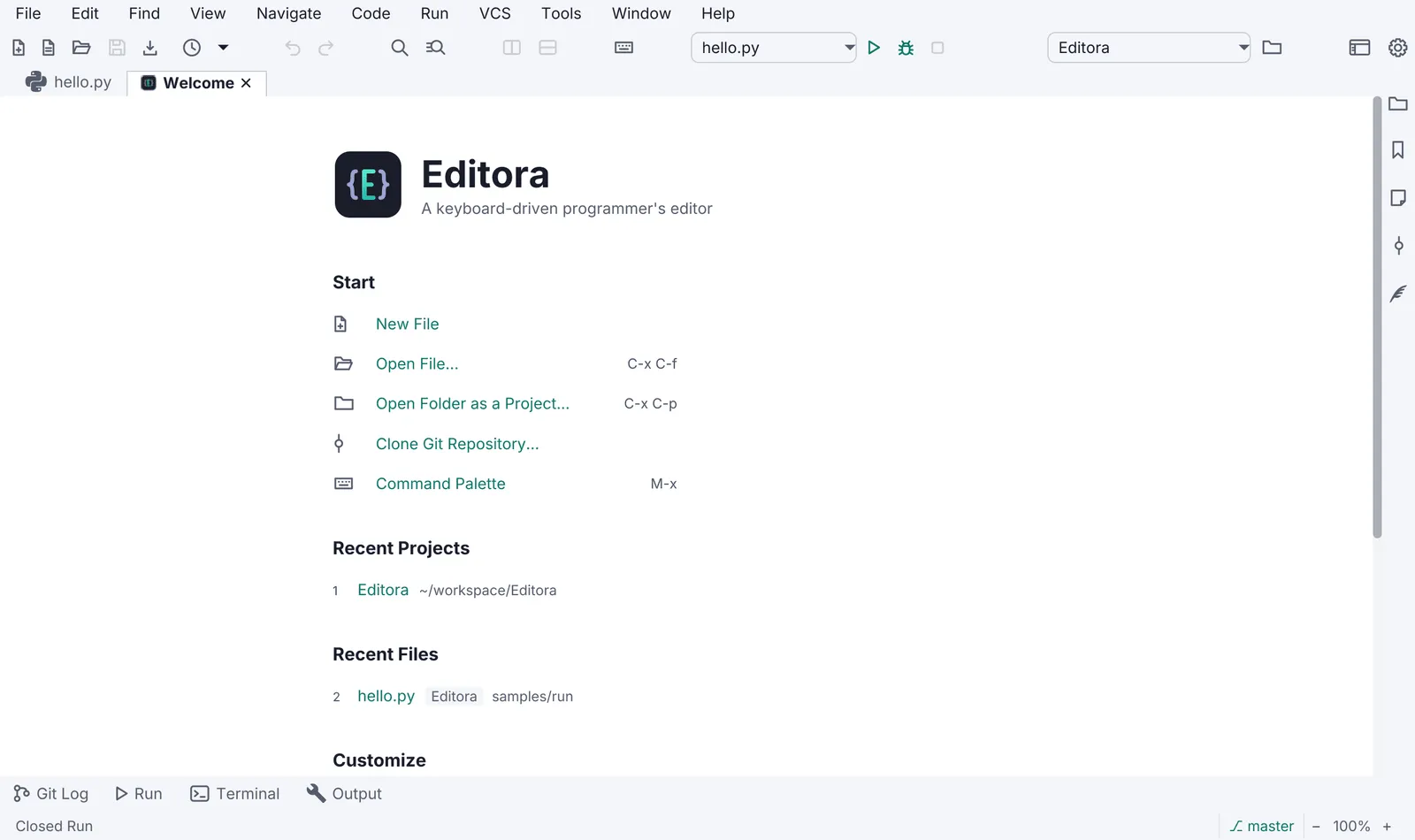
- Status bar, always present (toggleable). Its left side is the echo area: one line of feedback for the last action. Errors are red, warnings amber. Clicking it opens the Message Log.
- Themes: light and dark AtlantaFX themes plus a “follow the system” choice, switchable at run time without a restart. Semantic colours: amber = not durable yet (unsaved, read-only), red = broken, green = verified or added.
- Title bar: SHOULD use JavaFX 27’s
HeaderBarwithStageStyle.EXTENDEDto put the menu or tabs in the title bar, with a decorated-window fallback, anduseSystemMenuBaron macOS. - Native dialogs go through one helper (
Dialogs.styled) because a dialog is its own scene and does not inherit the app stylesheet or the UI font. - A destructive action asks first, and says what it does. Removing, deleting, discarding or overwriting
something the user made goes through one confirm helper (Torrenta’s
RemoveConfirm, Editora’s save decisions). The question names the thing (“Remove 3 torrents?”), the confirm button names the action (Remove, Discard, Overwrite), never OK or Yes, and Escape cancels. Where the action can be undone instead (Torrenta’sUndoStack, Termina’s and Editora’s reopen-closed-tab), prefer the undo over the question. - Welcome page when there is nothing to restore: Start actions (which run commands), Recent items, a Customize block (keymap and theme), Help links.
- About shows version, build, runtime (Java and JavaFX versions), licence, links, and the result of the last update check.
- Window state: size, position, maximized state and open items are restored on the next launch; a
--no-sessionflag skips the restore. - Zoom: UI and content zoom from the keyboard (
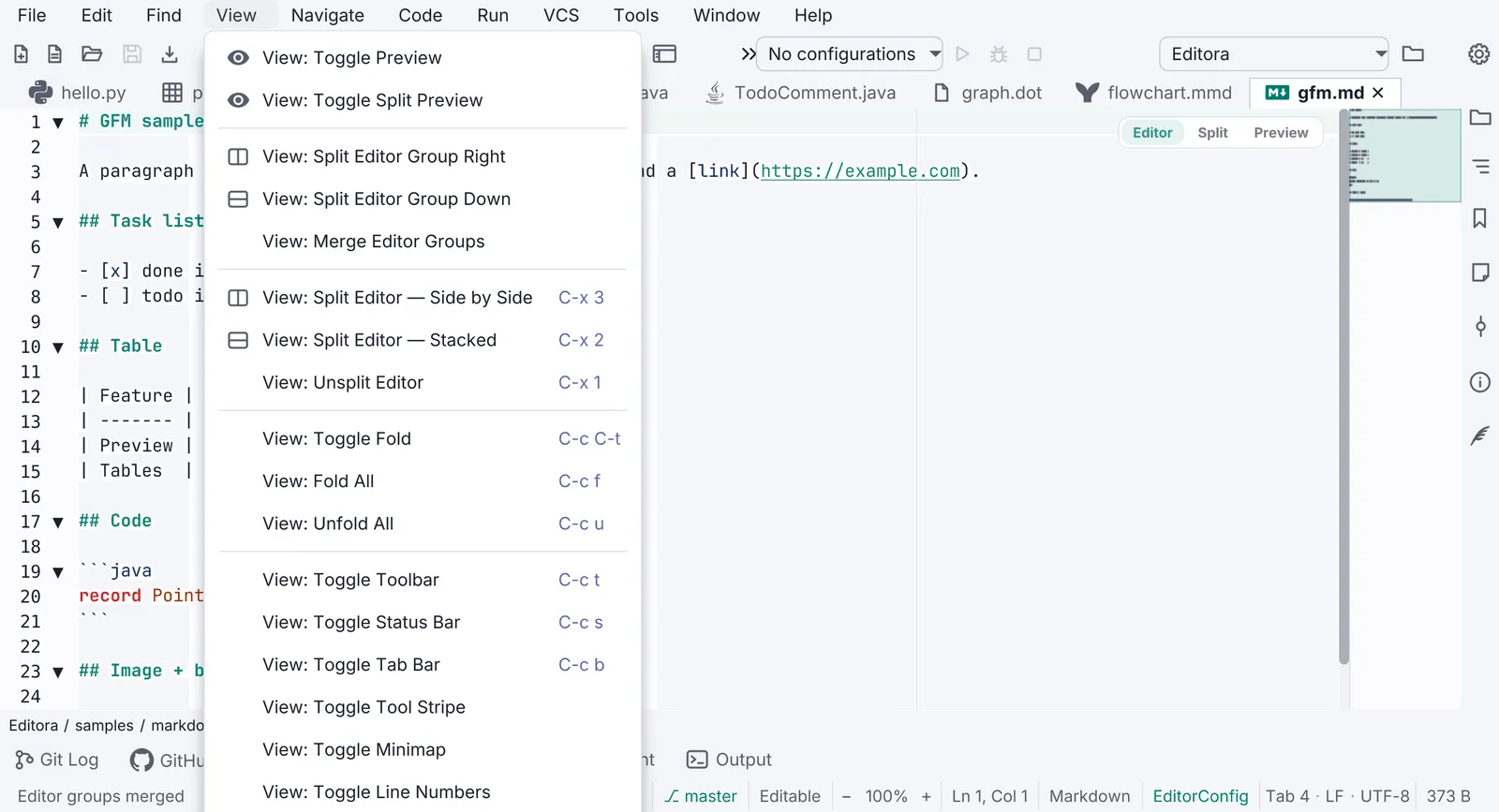
Ctrl/Cmd +,-,0), persisted. - Modes MAY: Zen (no chrome), Simple (fewer menus for new users), Expert.
Pauta 1.1.0 · · Changelog